Send enquiry ⏎

UI/UX Design Online Live Class by Experts

Our Training/Internship Process

UI/UX Design Online Live Classes in Vereeniging | Free Demo Training

UI/UX Design - Syllabus, Fees & Duration

Figma Syllabus (15 Hours)

      Module 1: Figma Fundamentals (3 Hours)

        Introduction to Figma

      • Understanding the Figma interface and tools.
      • Layers, frames, and pages.
      • Shapes, text, and alignment.

        Design Basics

      • Color theory and typography basics.
      • Grids and layout principles.
      Module 2: Prototyping with Figma (3 Hours)

        Wireframing Basics

      • Creating low-fidelity wireframes for mobile and web apps.

        Prototyping Features

      • Adding interactions and transitions.
      • Clickable prototypes for user testing.
      Module 3: Mobile App Design Project (4 Hours)

        Designing a Mobile App

      • Screens for a sample app (e.g., task manager or food delivery).
      • Login, home, and profile pages.

        Components and Variants

      • Reusable buttons, icons, and cards.
      • Typography and color styles.

        Prototyping and Feedback

      • Linking screens and testing navigation.
      Module 4: Web App Design Project (5 Hours)

        Designing a Web App

      • Landing page, login screen, and dashboard for a web app.
      • Auto-layout for responsive designs.

        Final Prototype

      • Responsive breakpoints for desktop, tablet, and mobile.
      • Functional prototype with interactions.
    Web Development Syllabus (15 Hours)
      Module 1: HTML, CSS, and Bootstrap Basics (5 Hours)

        HTML Fundamentals (2 Hours)

      • Structuring web pages (header, footer, sections).
      • Essential tags: headings, lists, images, and links tables etc..

        CSS Basics (2 Hours)

      • Styling text and layout using CSS.
      • Box model, positioning, and Flexbox basics.

        Bootstrap Basics (1 Hour)

      • Setting up Bootstrap in a project.
      • Grid system and responsive layouts.
      • Common components: navbar, buttons, and cards.
      Module 2: Responsive Landing Page Conversion (5 Hours)

        Figma to Code Workflow (2 Hours)

      • Importing Figma designs for reference.
      • Structuring HTML and CSS with Bootstrap.

        Responsive Design (3 Hours)

      • Using media queries and Bootstrap utilities.
      • Creating a responsive navigation bar and hero section.
      • Ensuring design consistency with the Figma prototype.
      Module 3: Interactivity with JavaScript & Advanced Bootstrap (3 Hours)

        JavaScript Basics

      • Adding interactivity with JavaScript (e.g., form validation).
      • Bootstrap JavaScript components: modals, dropdowns, and carousels.

        CSS Animations & Transitions

      • Enhancing visuals with hover effects and animations.
      Module 4: Final Project and Deployment (2 Hours)

        Final Project: Responsive Landing Page

      • Convert a complete Figma design into a functional landing page.
      • Use Bootstrap and JavaScript for responsiveness and interactivity.

        Hosting and Deployment

      • Publish the project online using GitHub Pages or Netlify.
      Deliverables

        Figma:

      • Prototyped mobile app and web app designs.

        Web Development:

      • Fully responsive landing page with Bootstrap and interactivity.
      • Hosted live project link.

Download Syllabus - UI/UX Design
This syllabus is not final and can be customized as per needs/updates
   
10000+
20+
50+
25+

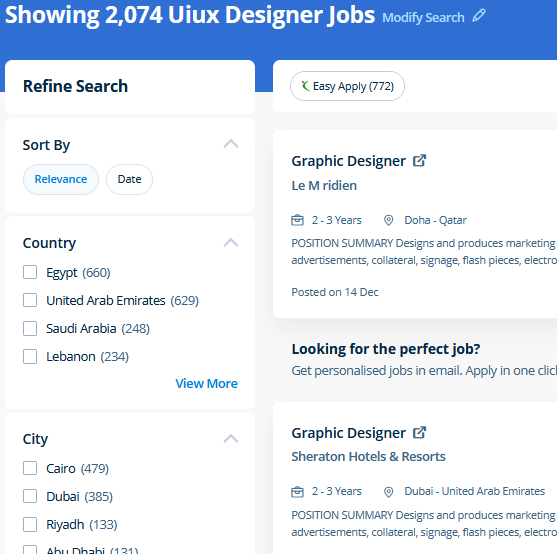
UI/UX Design Jobs in Vereeniging

Enjoy the demand

Find jobs related to UI/UX Design in search engines (Google, Bing, Yahoo) and recruitment websites (monsterindia, placementindia, naukri, jobshybrid.com, indeed.co.in, shine.com etc.) based in Vereeniging, chennai and europe countries. You can find many jobs for freshers related to the job positions in Vereeniging.

  • ui designer
  • ux designer
  • ui/ux designer
  • ui/ux developer
  • graphic designer
  • multimedia creator
  • photoshop
  • adobe illustrator
  • web design
  • html developer

UI/UX Design Internship/Course Details

UI/UX Design internship jobs in Vereeniging
UI/UX Design Additionally as people who want to boost their current workflows to work quicker and more efficiently. At the end of this course at nestsoft inDubai we cover advanced topics such as Script validations, Building modular tests, Developing automation test suites for a broad range of desktop Web Applications. The most recent unleash is compatible with each raincoat OS and Windows operating systems, permitting users to create the same workflow irrespective of what variety of computer they are using. In this course you will learn too use the Bootstrap 3 CSS framework to build websites with fluid and adaptive grid layouts. The outline of the course also contains the productive and helpful info on the correct and applicable utilization of the gradients, swatches and colors. Our core features of the bootstrap training in Dubai includes: Design layouts adhering to a fluid grid Understand how the HTML, CSS and JavaScript components of Bootstrap work Customise a Bootstrap installation Optimise a Bootstrap design for target device features Create responsive images and graphics . Most of graphic designers use photoshop for their professional work because photoshop is one of the most professional editing software available today. Live classes are recorded, so you'll be able to review them in your own time or log in to learn at a time that works best for you. The Illustrator CC interface contains the tools, panels, menu, commanda, document, window, and artboards you will use when creating or editing an illustrator document. Photoshop may be a powerful and widespread image editing software that helps you to apply numerous effects easily and acquire consistent results.


Meet a Few of our Industry Experts 🚀 Your Pathway to IT Career

PAVITHRA

Mobile: +91 94975 90866
Location: Online (Vereeniging, South Africa)
Qualification: MBA

Experience: Human resource management and development HR HR coordinator  more..

Sunitha

Mobile: +91 89210 61945
Location: Online (Vereeniging, South Africa)
Qualification: M. E

Experience: I have two years of experience in web development My skills: Html Css javascript mysql flutterflow nodejs I have interest  more..

sadik

Mobile: +91 8301010866
Location: Online (Vereeniging, South Africa)
Qualification: B.com

Experience: MS-Office [word Excel Power Point ] & Internet Adobe PHOTOSHOP Figma Adobe XD COREL DREW FIREWORKS DREAMWEAVER HTML HTML5 &  more..

Midhun

Mobile: +91 98474 90866
Location: Online (Vereeniging, South Africa)
Qualification: MCA

Experience: Completed Software testing course from STC  more..

Muaaz

Mobile: +91 89210 61945
Location: Online (Vereeniging, South Africa)
Qualification: 12th

Experience: I m graphic design social media flyer Software photoshop and premier pro  more..

GAYATRI

Mobile: +91 91884 77559
Location: Online (Vereeniging, South Africa)
Qualification: B.Tech(pursuing)

Experience: Skills:-java web development Experience:-0  more..

Linkan

Mobile: +91 8301010866
Location: Online (Vereeniging, South Africa)
Qualification: M.E

Experience: Manual testing Automation Testing API Testing SQL  more..

Baswannolla

Mobile: +91 91884 77559
Location: Online (Vereeniging, South Africa)
Qualification: Btech

Experience: 2yrs experience as a net fullsatck developer working for innovative software solutions  more..

Chandana

Mobile: +91 98474 90866
Location: Online (Vereeniging, South Africa)
Qualification: MCA

Experience: SIEM Splunk IBM Qrader firewall |   more..

MOHAMMED

Mobile: +91 94975 90866
Location: Online (Vereeniging, South Africa)
Qualification: BTECH

Experience: over all the years I have spent time in upskilling myself & experiencing more & I have good knowledge of  more..

shivani

Mobile: +91 8301010866
Location: Online (Vereeniging, South Africa)
Qualification: MscIT

Experience: In total 4 years of experience as a developer 2 years as a dot net developer 2 years of Node  more..

MADAN

Mobile: +91 8301010866
Location: Online (Vereeniging, South Africa)
Qualification: MCA

Experience: 13 5 Years exp in programming and teaching  more..

Pavan

Mobile: +91 91884 77559
Location: Online (Vereeniging, South Africa)
Qualification: BE Computer

Experience: Highly skilled and creative UI UX designer with 3 years of experience designing and developing intuitive and user-friendly interfaces for  more..

Dhivya

Mobile: +91 94975 90866
Location: Online (Vereeniging, South Africa)
Qualification: Bcom, MBA

Experience: I have experience in odoo from V9 to V17 both enterprise and community   more..

Joobin

Mobile: +91 91884 77559
Location: Online (Vereeniging, South Africa)
Qualification: Mca

Experience: Sqllite json firebase react native java etc  more..

sreena

Mobile: +91 8301010866
Location: Online (Vereeniging, South Africa)
Qualification: B-tech, CSE

Experience: I have 6 year experience in web designing and content management system and from last one and half years i  more..

Manish

Mobile: +91 94975 90866
Location: Online (Vereeniging, South Africa)
Qualification: BE

Experience: jetpack components Clean Architecture SQLite design patterns OneSignal Fireabase Google map Chat social integration of mobile application module Testing and  more..

Rajvi

Mobile: +91 94975 90866
Location: Online (Vereeniging, South Africa)
Qualification: B.E.

Experience: Leveraging my skills in Python data manipulation tools and machine learning libraries like Scikit-learn I possess a strong foundation for  more..

Trupti

Mobile: +91 98474 90866
Location: Online (Vereeniging, South Africa)
Qualification: B.E in computer science

Experience: I have 1+ experience in application development skills java kotlin Android sdk rest api intergation roomdatabase and firebase   more..

Khemraj

Mobile: +91 98474 90866
Location: Online (Vereeniging, South Africa)
Qualification: MCA

Experience: Java html css dotnet asp net MVC c# c  more..

B

Mobile: +91 91884 77559
Location: Online (Vereeniging, South Africa)
Qualification: Btech

Experience: I am proficient in python java and sql and also have good knowledge in networking and also learned about data  more..

Beena

Mobile: +91 89210 61945
Location: Online (Vereeniging, South Africa)
Qualification:

Experience: I am very much interested in applying for the QA position in your company My Name is Beena Babu I  more..

Yedhukrishna

Mobile: +91 8301010866
Location: Online (Vereeniging, South Africa)
Qualification: Diploma in computer science

Experience: Automation and manual testing testcase preparation bug report smoke testing sanity testing testNG cucumber jira postman jmeter  more..

Piyush

Mobile: +91 8301010866
Location: Online (Vereeniging, South Africa)
Qualification: 10th pass

Experience: Good evening sir or mam This is piyush from navyug school Sarojini Nagar I have an experienced on canva graphic  more..

Success Stories

The enviable salary packages and track record of our previous students are the proof of our excellence. Please go through our students' reviews about our training methods and faculty and compare it to the recorded video classes that most of the other institutes offer. See for yourself how TechnoMaster is truly unique.

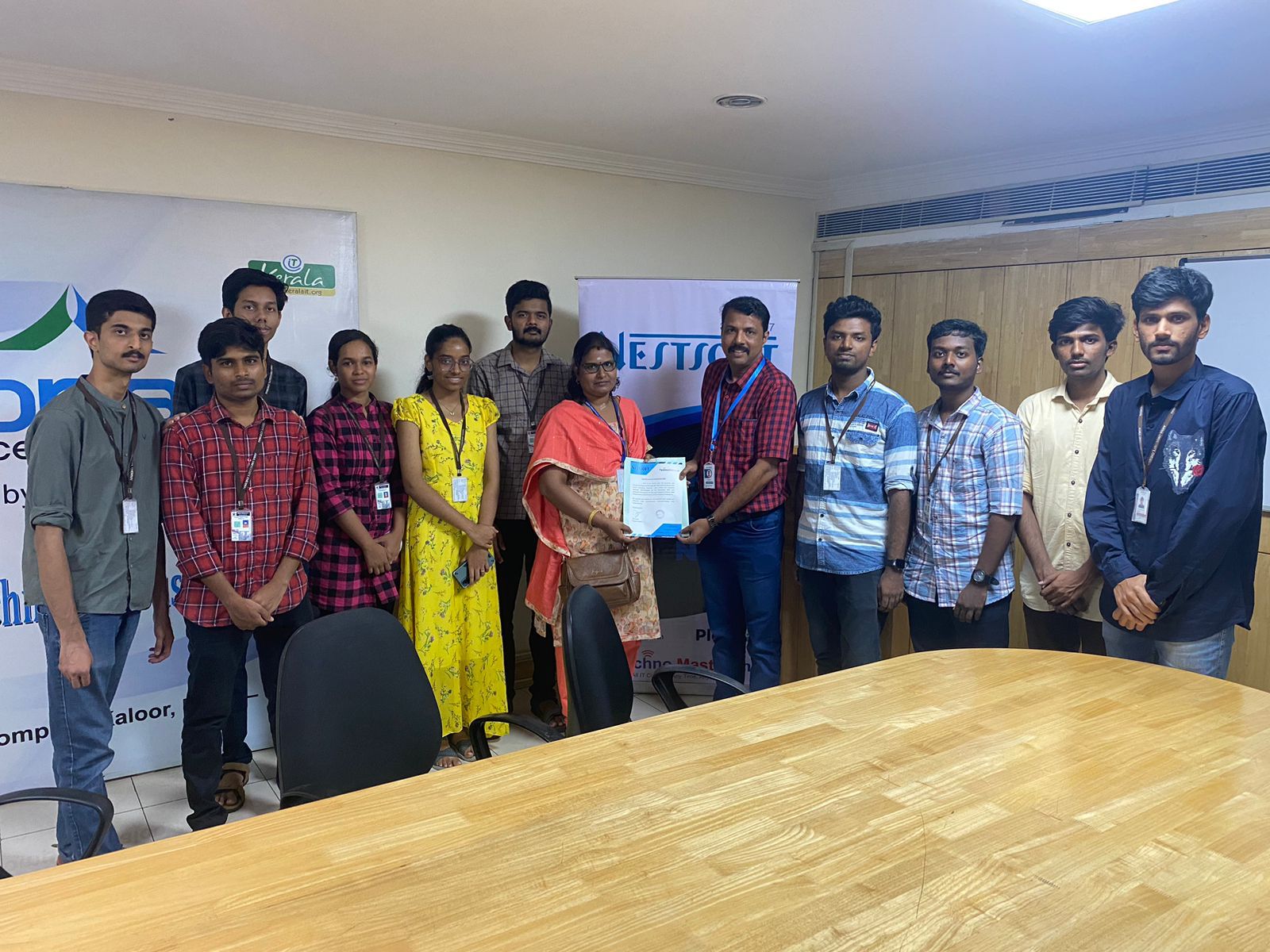
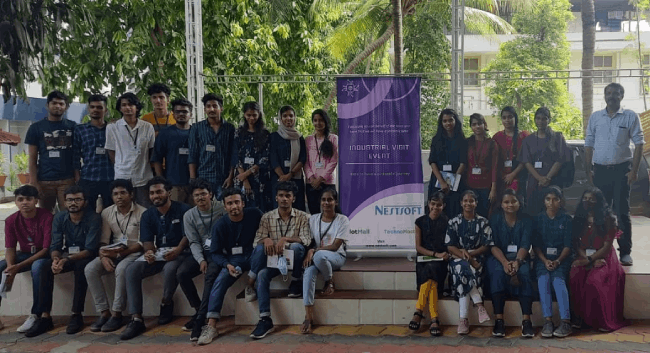
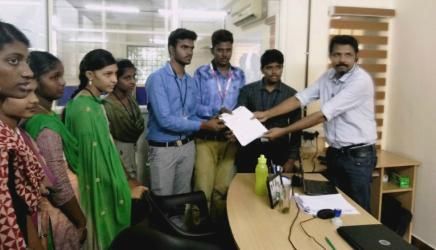
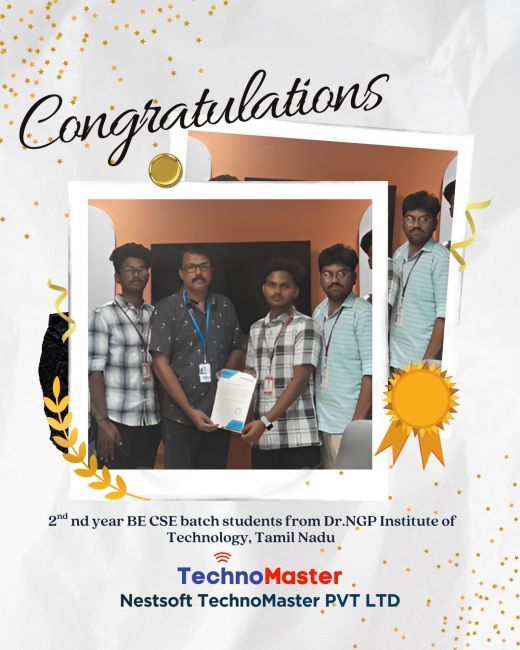
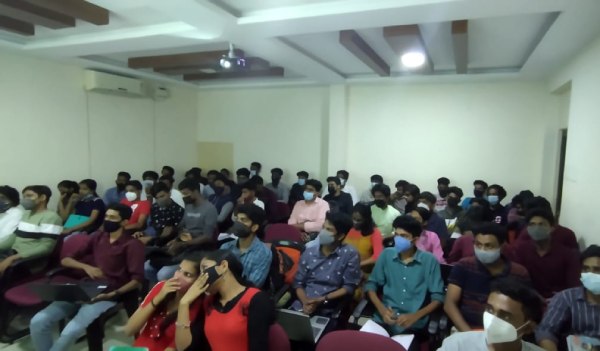
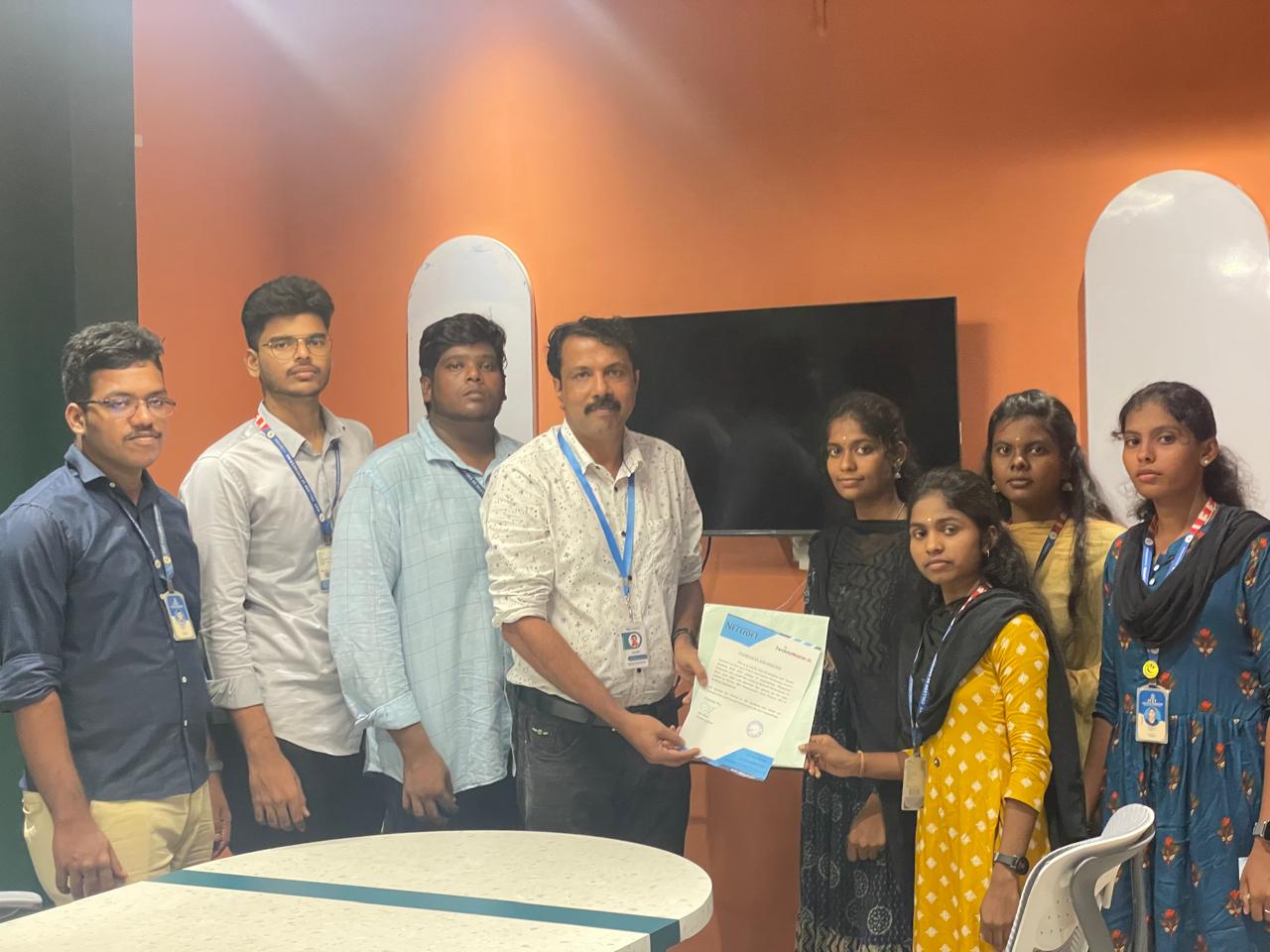
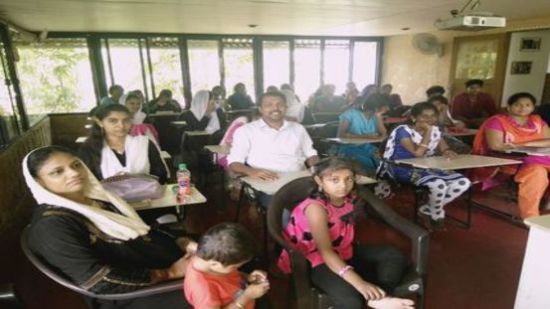
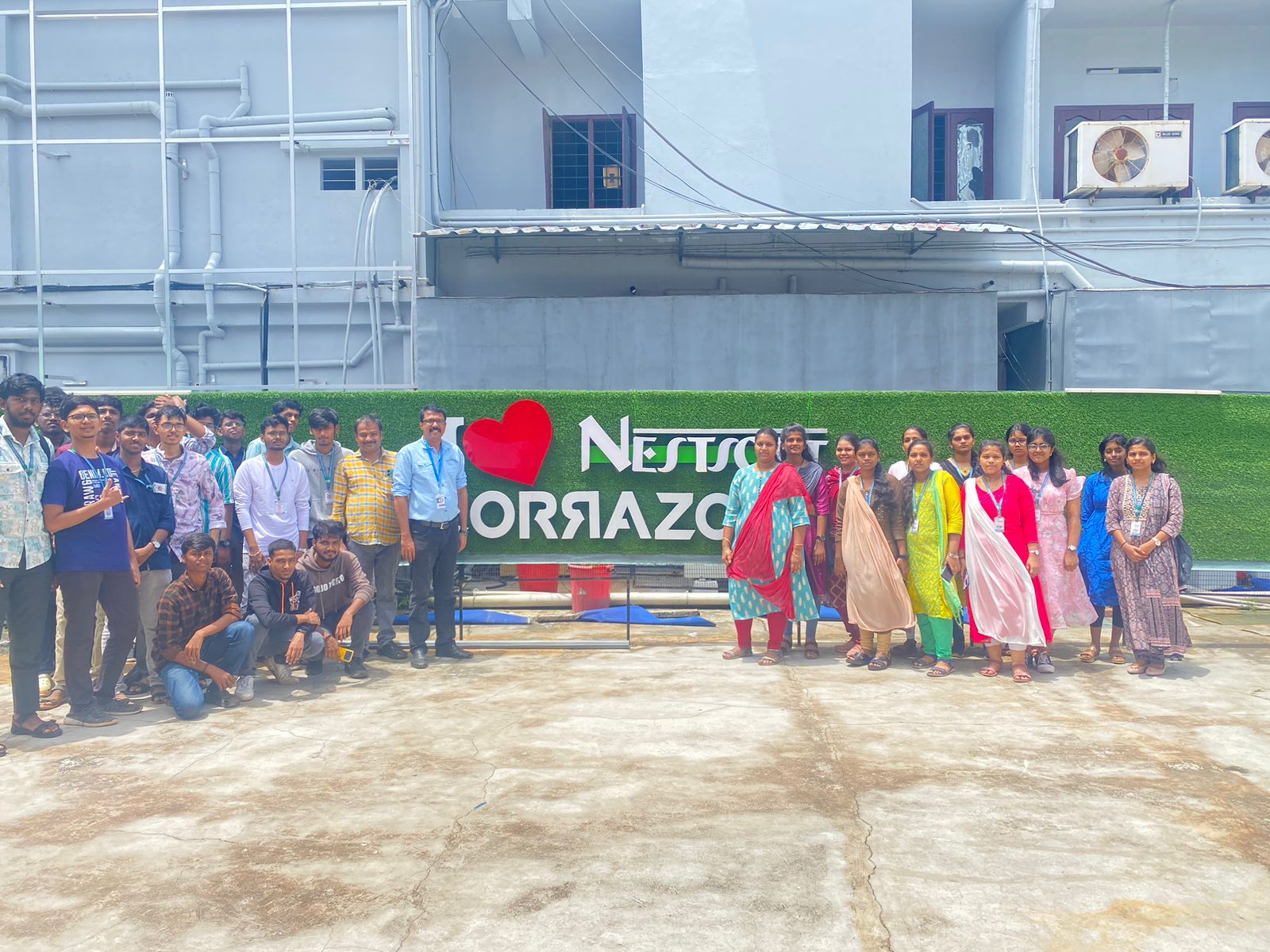
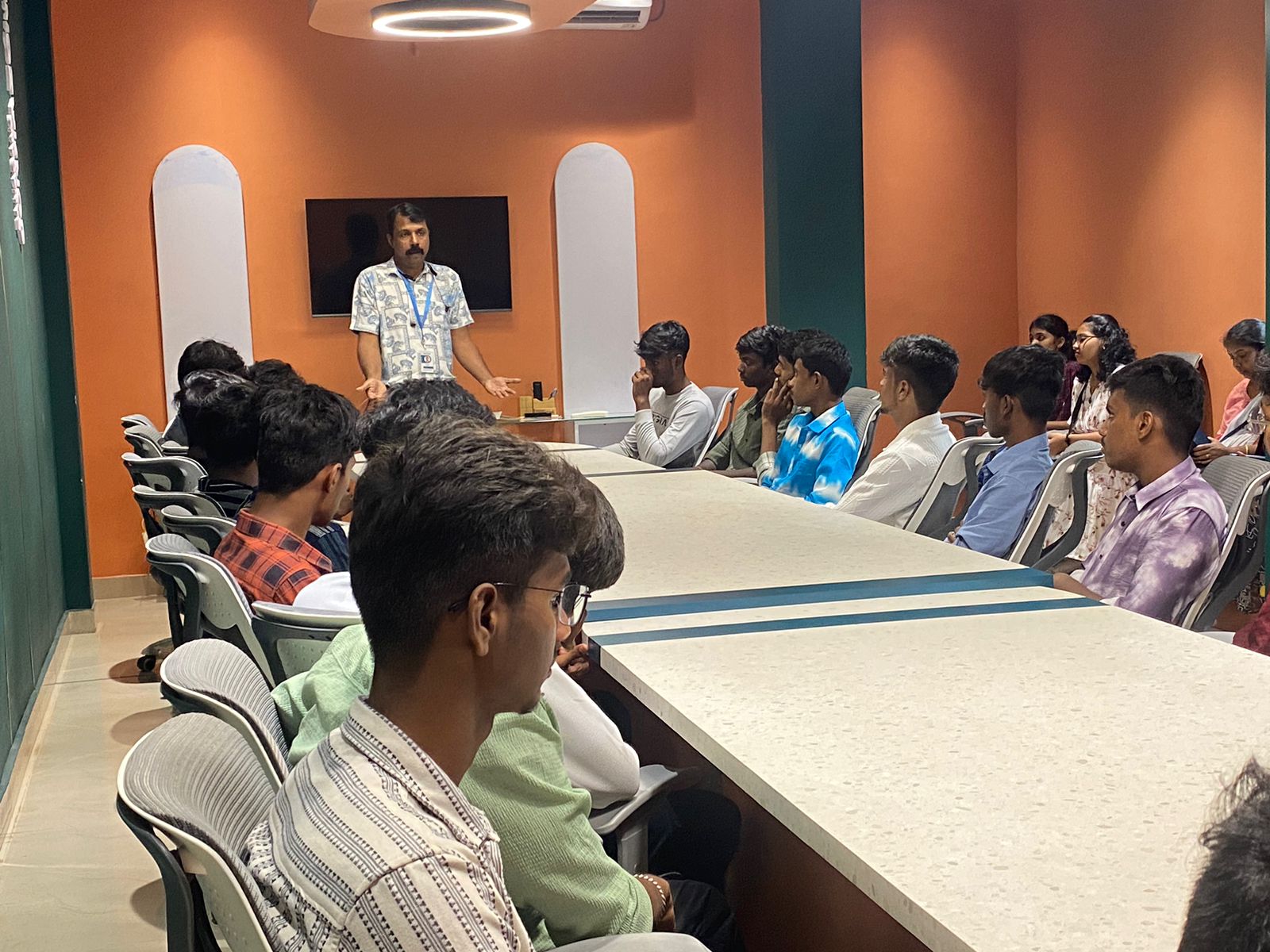
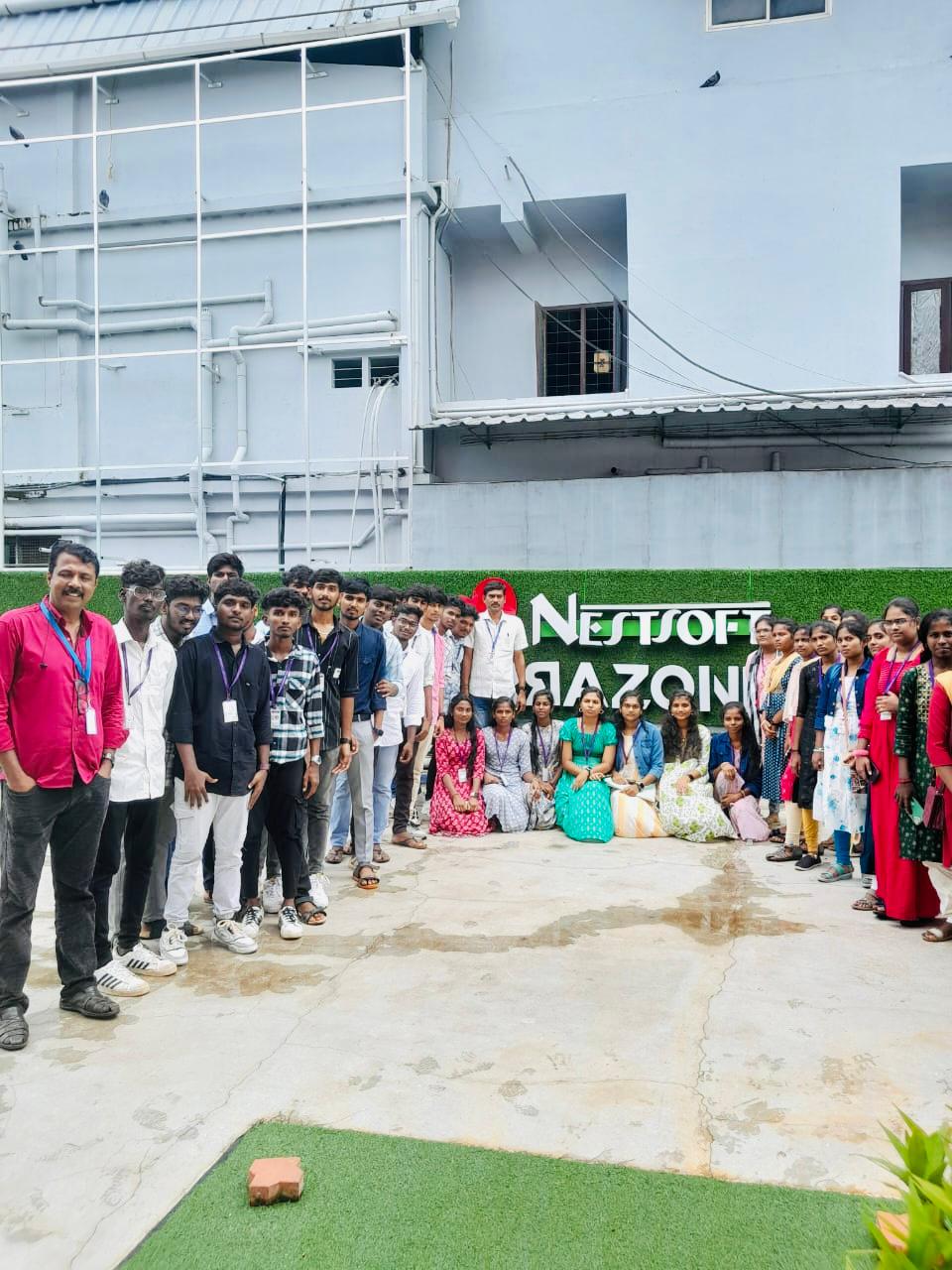
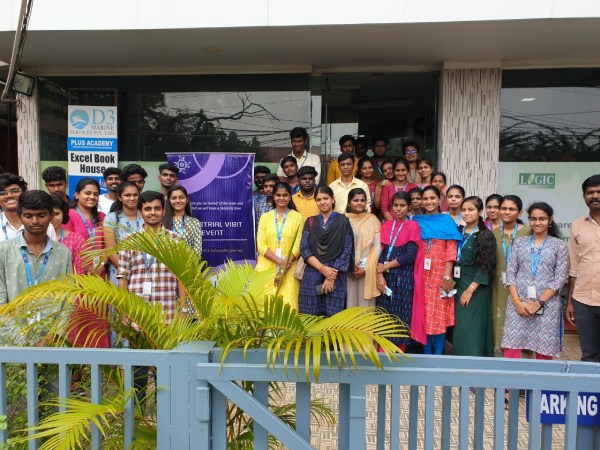
Photos of Training / Internships

Internship/projects in vereeniging

Trained more than 10000+ students who trust Nestsoft TechnoMaster

Get Your Personal Trainer