Send enquiry ⏎

CorelDRAW Online Live Class by Experts

Our Training/Internship Process

CorelDRAW Online Live Classes in Newcastle | Free Demo Training

CorelDRAW - Syllabus, Fees & Duration

Module 1: Introduction to CorelDRAW

  • Installing CorelDRAW Graphics Suite 2019
  • Basics of CorelDRAW
    • Vector Graphics and Bitmaps
    • Starting and Opening Drawings
    • Previewing Drawings
    • Viewing Modes
    • Saving and Closing Drawings
  • CorelDRAW Workspace
  • Creative Tools and Content
  • Touchscreen and Wheel Devices

Module 2: Lines, Shapes, and Outlines

  • Lines, Outlines, and Brushstrokes
  • Shapes and Shape Objects
  • Symmetrical Drawing

Module 3: Working with Objects, Symbols, and Layers

  • Introduction to Objects
  • Linking and Embedding Objects
  • Layers and Symbols
  • Managing and Tracking Projects

Module 4: Colour, Fills, and Transparencies

  • Colour
    • Colour Models and Depth
    • Choosing Colours
    • Creating and Editing Colour Palettes
  • Uniform Fills and Fountain Fills
  • Vector and Bitmap Pattern Fills
  • Texture, PostScript, and Mesh Fills
  • Object Transparency
  • Managing Colours

Module 5: Exploring Special Effects

  • Lenses
  • Adding 3D Effects
  • Mosaics

Module 6: Working with Text

  • Adding and Manipulating Text
  • Formatting Text
  • Managing Fonts
  • Writing Tools

Module 7: Templates and Styles

  • Templates
    • Using and Finding Templates
    • Managing Templates
    • Creating and Editing Templates
  • Introducing Styles and Style Sets
    • Creating, Applying, and Editing Styles and Style Sets
    • Managing Default Object Properties
    • Importing and Exporting Style Sheets
  • Colour Styles
    • Creating and Applying Colour Styles
    • Editing and Viewing Colour Styles
    • Exporting and Importing Colour Styles

Module 8: Pages and Layout

  • Pages and Layout Tools
    • Page Layout and Background
    • Adding and Deleting Pages
    • Rulers
    • Document Grid and Pixel Grid
  • Tables
    • Adding Tables
    • Selecting, Moving, and Navigating Table Components
    • Inserting and Deleting Table Rows and Columns
    • Formatting Tables and Cells
    • Converting Tables to Text

Module 9: Introduction to Bitmaps

  • Working with Bitmaps
    • Converting Vector Graphics to Bitmaps
    • Importing and Cropping Bitmaps
    • Bitmap Dimensions and Resolution
    • Straightening Bitmaps
    • Image Adjustment Lab
    • Adjusting Colour and Tone
    • Tone Curve Filter
  • Special Effects Categories
  • Bitmap Colour Modes
  • Introducing Trace
    • RAW Camera Files

Module 10: Web Graphics

  • File Formats
    • Importing and Exporting Files
    • Exporting to PDF
    • Supported File Formats
  • Customising and Automating
    • Setting Basic Preferences
    • Customising CorelDRAW
    • Using Macros and Scripts for Automating Ta
  • Download Syllabus - CorelDRAW
    This syllabus is not final and can be customized as per needs/updates
   
10000+
20+
50+
25+

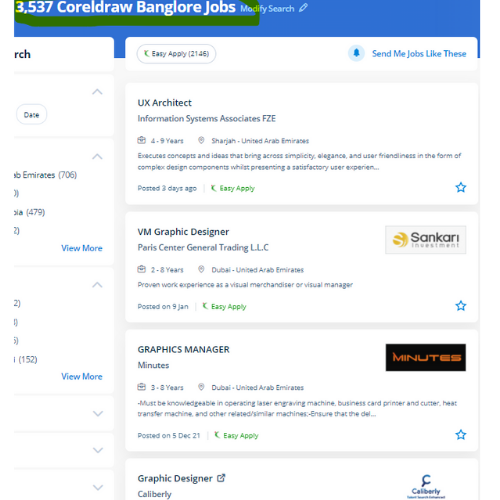
CorelDRAW Jobs in Newcastle

Enjoy the demand

Find jobs related to CorelDRAW in search engines (Google, Bing, Yahoo) and recruitment websites (monsterindia, placementindia, naukri, jobshybrid.com, indeed.co.in, shine.com etc.) based in Newcastle, chennai and europe countries. You can find many jobs for freshers related to the job positions in Newcastle.

  • Corel Draw Designer
  • Graphic Designer
  • CorelDraw trainer
  • UI/UX Designer
  • Digital graphic designer
  • Multimedia designer
  • Graphics manager
  • Layout artist
  • Creative graphic designer
  • Interior designer

CorelDRAW Internship/Course Details

CorelDRAW internship jobs in Newcastle
CorelDRAW CorelDraw offers some geometrical shapes as a tool that facilitates you in exploring your plan in your own manner with no limitations. it is a mixture of advanced illustration, image editing, designing planning, vector graphics, page layout designing, typography, pre-press layout designing, and plenty of extra options in one pack. Our live training classes are handled by specialists in this field and also the syllabus starts from the fundamentals to the most advanced of the subject. CorelDraw is also known in several names just like the Corel' Graphics Suite, Corel Photo-Paint, and alternative graphics-related programs. CorelDraw Graphics Suite programming is accessible on the lookout, and once introduced on the computer, you will get effectively started together with your realistic planning work. We will train you remotely, after completion of the course if you have got any doubt then our team can always assist you. . it is simply accessible in other designing software because It works with file format PNG and CDR. With a vector graphic vogue program that admires this software, laser engraving professionals and hobbyists will transfer and import any image they need to engrave for their projects. it is meant to change two-dimensional pictures, for example, logos, banners, and so on.


Meet a Few of our Industry Experts 🚀 Your Pathway to IT Career

Yogesh

Mobile: +91 91884 77559
Location: Online (Newcastle, South Africa)
Qualification: Graduate

Experience: Web designing php Angular Java script   more..

Jayesh

Mobile: +91 94975 90866
Location: Online (Newcastle, South Africa)
Qualification: B.C.A

Experience: I have 6 year of experience in Wordpress development I’m Wordpress backend developer an able to integrate custom theme development  more..

Himna

Mobile: +91 94975 90866
Location: Online (Newcastle, South Africa)
Qualification: MSc Computer Science with specialization in Data Science

Experience: I am confident that with my strong technical skills and experience in both full-stack development and data science I possess  more..

Pinki

Mobile: +91 94975 90866
Location: Online (Newcastle, South Africa)
Qualification: M.C.A

Experience: I have 8+ years of experience in odoo erp  more..

Ankita

Mobile: +91 98474 90866
Location: Online (Newcastle, South Africa)
Qualification: B-Tech (Information Technology)

Experience: Skill:-C programming language CPP SQL CoreJava HTML CSS Exprience:-Recently I completed My 6 month Internship in August from National Institute  more..

ANUSREE

Mobile: +91 91884 77559
Location: Online (Newcastle, South Africa)
Qualification: B Tech

Experience: Manual Testing Proficiency Strong in SDLC STLC and Bug Life Cycle Knowledge on Test Plan writing reviewing and executing Test  more..

Chhayaka

Mobile: +91 8301010866
Location: Online (Newcastle, South Africa)
Qualification: MCA,pgdca

Experience: C php asp python java html  more..

Renu

Mobile: +91 91884 77559
Location: Online (Newcastle, South Africa)
Qualification: Diploma in electrical

Experience: CCNA routing switching wan lan network design configuration Mac binding password recovery |   more..

RAHUL

Mobile: +91 94975 90866
Location: Online (Newcastle, South Africa)
Qualification: btech cse

Experience: As a WordPress developer with three years of experience I have honed my skills in creating dynamic and user-friendly websites  more..

Rakshitha

Mobile: +91 91884 77559
Location: Online (Newcastle, South Africa)
Qualification: Masters in Biochemistry

Experience: I have an year of experience in designing with the design software expertise in Canva Adobe Photoshop Adobe Illustrator and  more..

Ishfaq

Mobile: +91 9895490866
Location: Online (Newcastle, South Africa)
Qualification: MCA

Experience: 2 years of experience Two Years Experience in computer literacy customer service computer security data collection and equipment repairs installation  more..

Abhishek

Mobile: +91 8301010866
Location: Online (Newcastle, South Africa)
Qualification: Bachelor of Computer Application(BCA)

Experience: I have a strong foundation in UI UX design specializing in Figma for creating prototypes and mockups during various college  more..

Nilam

Mobile: +91 94975 90866
Location: Online (Newcastle, South Africa)
Qualification: Graduation

Experience: I have 2 years experience in seo field   more..

Anand

Mobile: +91 91884 77559
Location: Online (Newcastle, South Africa)
Qualification: Bachelor's degree BFA

Experience: Video editing video grapher managing social media content creation and graphic design  more..

Chintan

Mobile: +91 91884 77559
Location: Online (Newcastle, South Africa)
Qualification: Diploma in computer engineering

Experience: I'm a have good knowledge about professional android deployment like jetpack component MVVM Kotlin  more..

Abhishek

Mobile: +91 89210 61945
Location: Online (Newcastle, South Africa)
Qualification: int mtech

Experience: 2 years of work experience in frontend angular development currently working in payment gateway systemsApplication for Angular JS  more..

Jincy

Mobile: +91 91884 77559
Location: Online (Newcastle, South Africa)
Qualification: B.SC

Experience: Project management Strong decision-maker Complex problem solver Creative design Innovative Service-focused 3 Years experience in Front End and Back  more..

Ponnapati

Mobile: +91 89210 61945
Location: Online (Newcastle, South Africa)
Qualification: B.tech

Experience: Hi I hv overall 4 year's of experience information security testing and I have more exp web applications and I  more..

Vinod

Mobile: +91 89210 61945
Location: Online (Newcastle, South Africa)
Qualification: Mba

Experience: Ccna Hardware and networking Mcdst Tally |   more..

santhana

Mobile: +91 94975 90866
Location: Online (Newcastle, South Africa)
Qualification: B.Com

Experience: Knowledge in Java Selenium manual testing Worked as a java trainer at Greens Technology's (exp-2 months)  more..

Kshitij

Mobile: +91 9895490866
Location: Online (Newcastle, South Africa)
Qualification: BTech

Experience: Organisation | ZURAVERSE | Software 01 Dec 2020 - 10Jan 2020 Key Skills: JavaScript React Next js ● Part of  more..

Sukhwinder

Mobile: +91 8301010866
Location: Online (Newcastle, South Africa)
Qualification: MSC IT

Experience: Seo on page off page google analytics Google excell power points Google ads ppc graphic designing and well as video  more..

PAVITHRA

Mobile: +91 91884 77559
Location: Online (Newcastle, South Africa)
Qualification: MBA

Experience: Human resource management and development HR HR coordinator  more..

ISHANI

Mobile: +91 89210 61945
Location: Online (Newcastle, South Africa)
Qualification: B. Tech

Experience: I have 2years working experience in android developer   more..

Success Stories

The enviable salary packages and track record of our previous students are the proof of our excellence. Please go through our students' reviews about our training methods and faculty and compare it to the recorded video classes that most of the other institutes offer. See for yourself how TechnoMaster is truly unique.

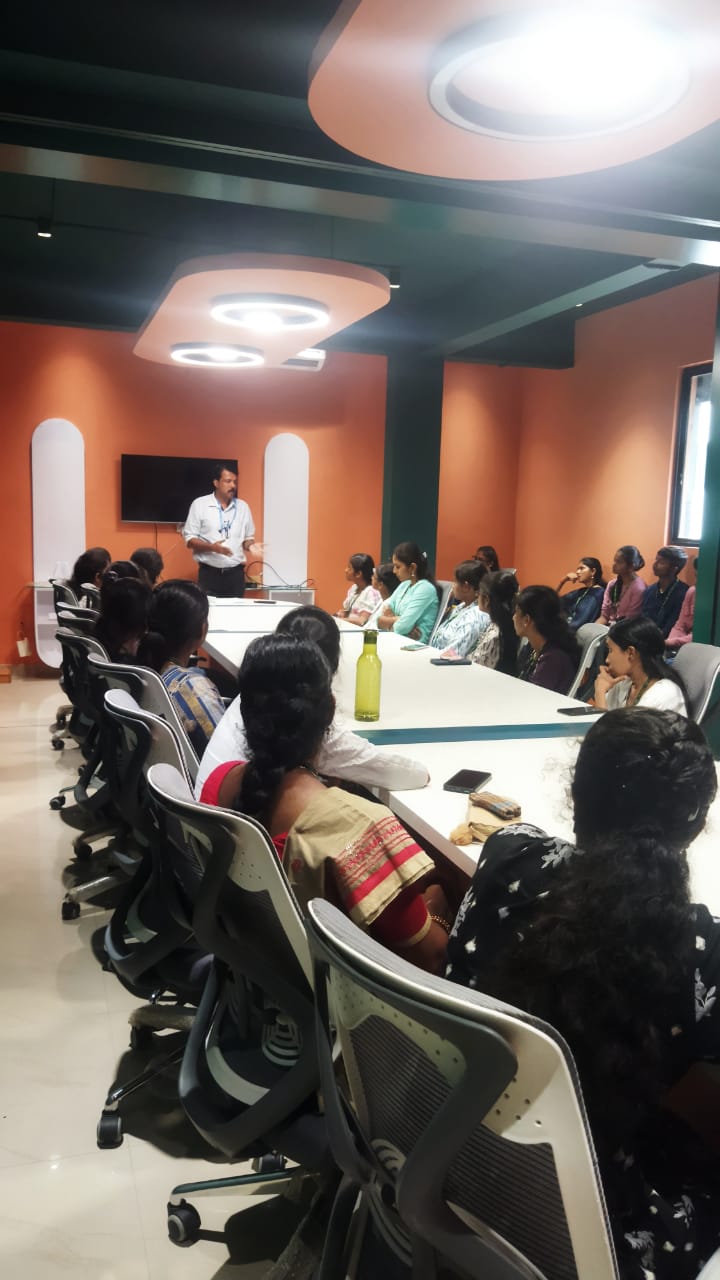
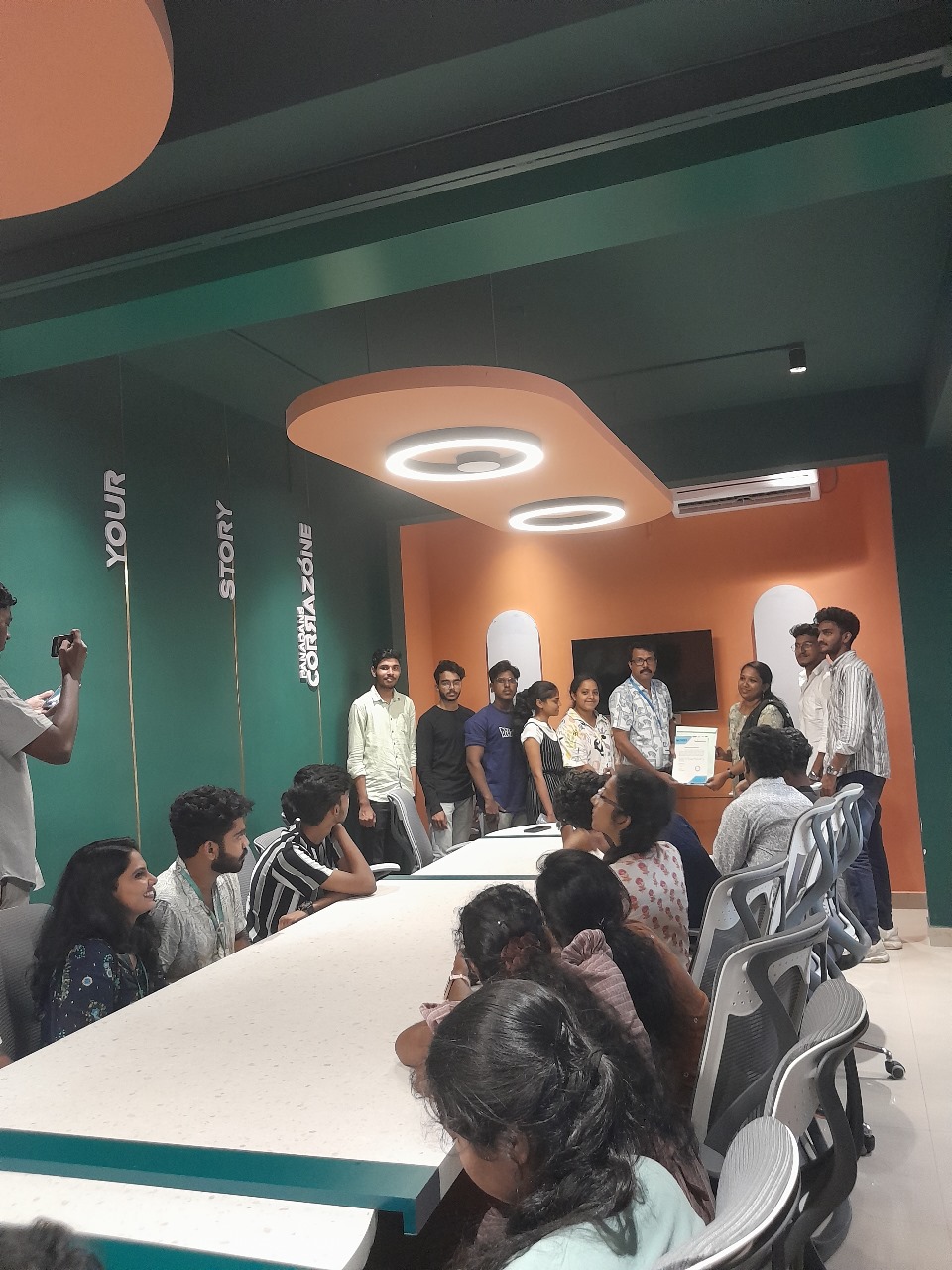
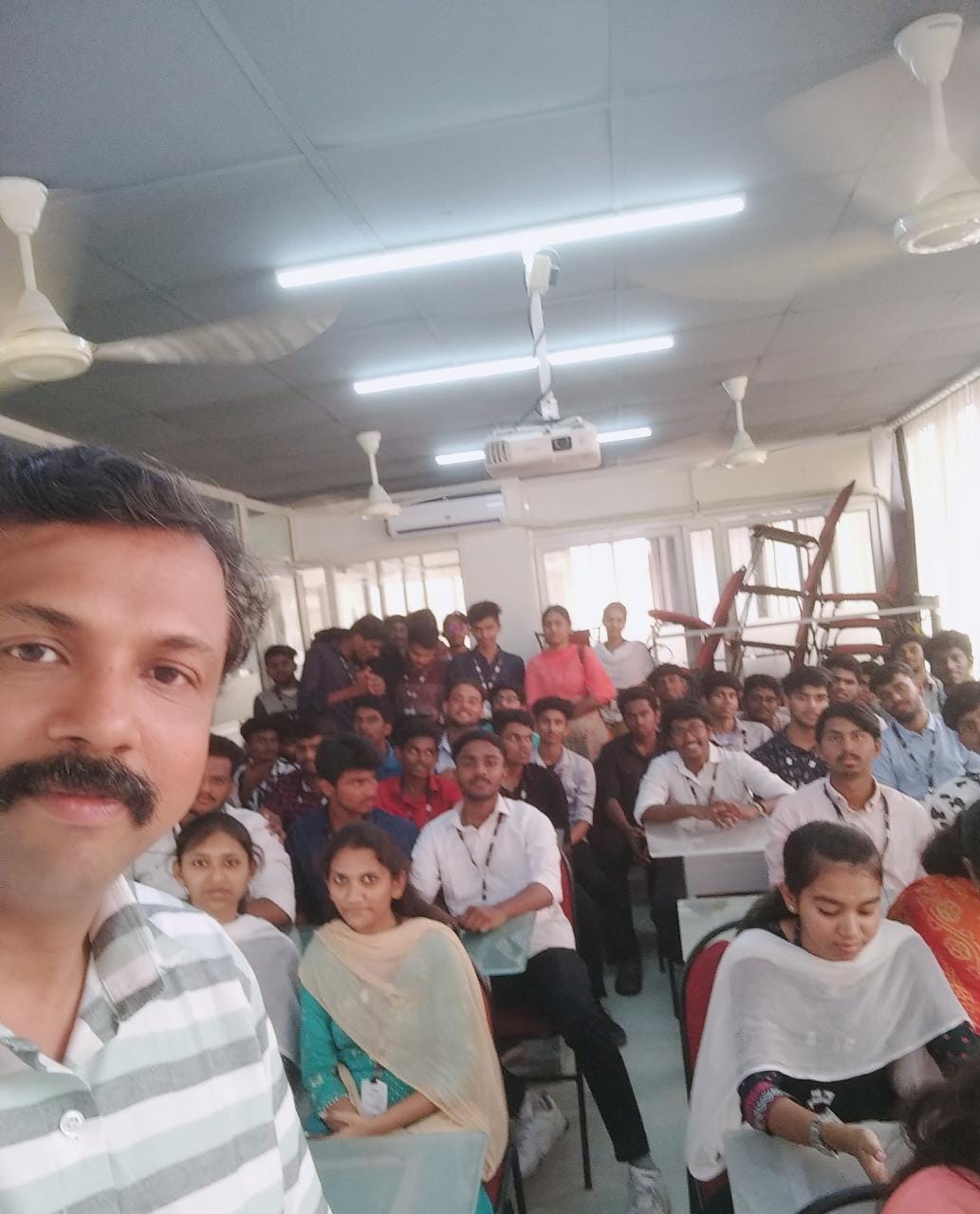
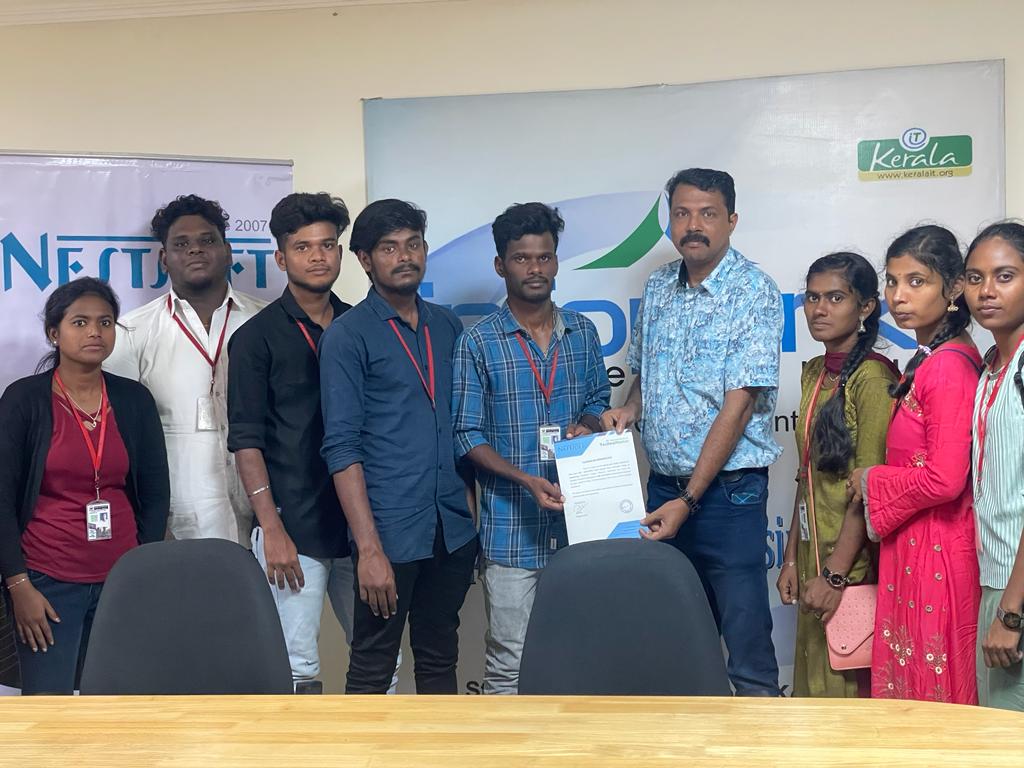
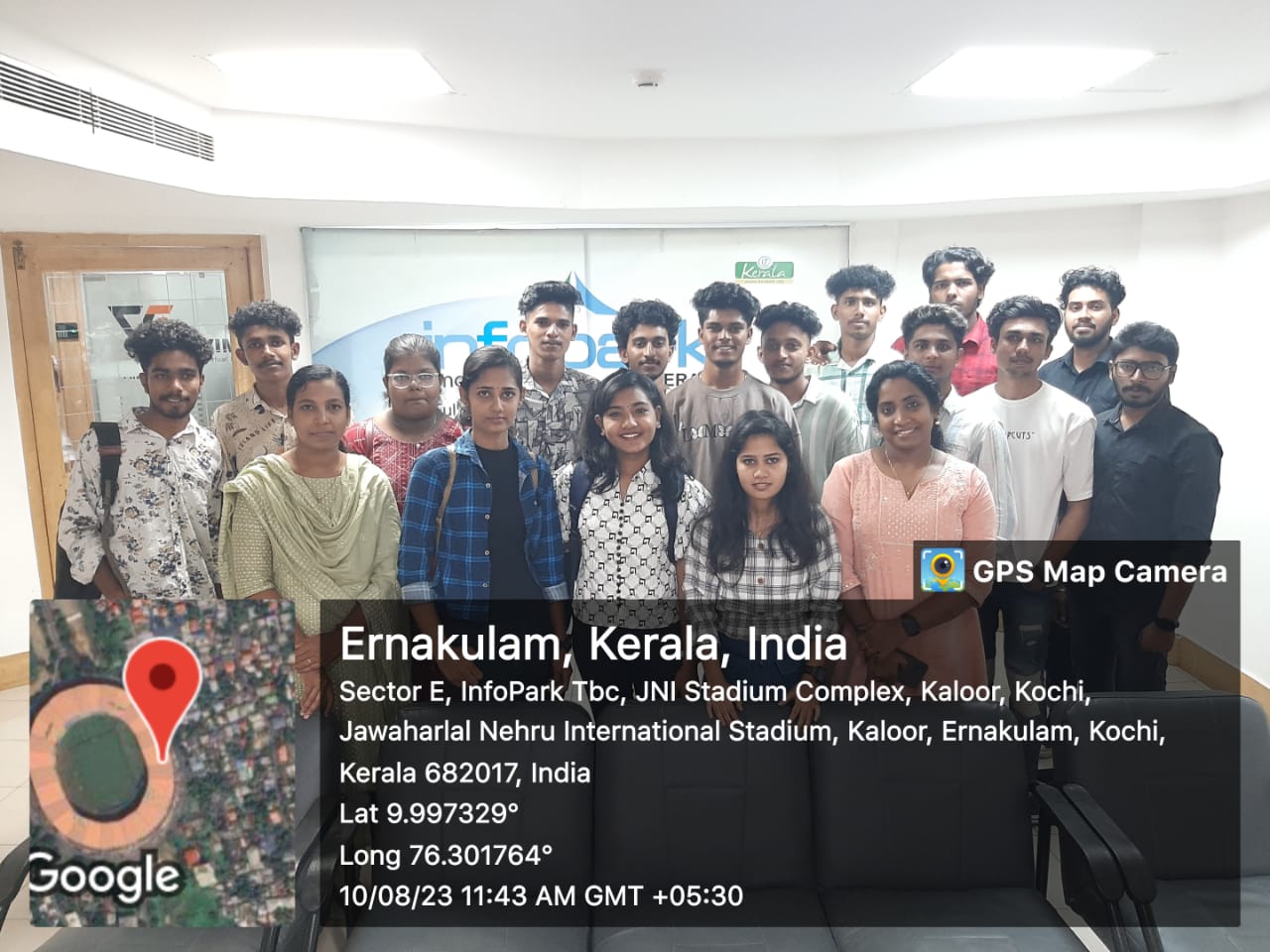
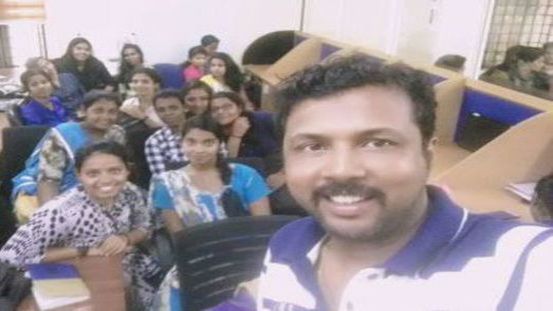
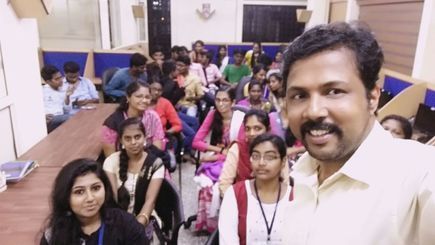
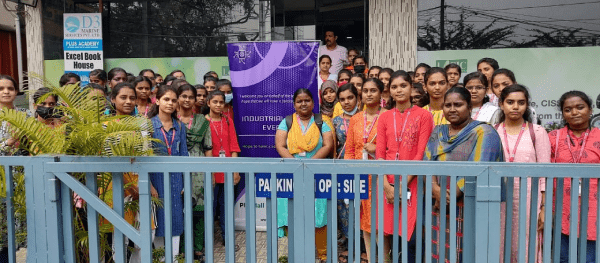
Photos of Training / Internships

Internship/projects in newcastle

Trained more than 10000+ students who trust Nestsoft TechnoMaster

Get Your Personal Trainer