Send enquiry ⏎

AR/VR Development (Unity) Online Live Class by Experts

Our Training/Internship Process

AR/VR Development (Unity) Online Live Classes in Bloemfontein | Free Demo Training

AR/VR Development (Unity) - Syllabus, Fees & Duration

Introduction

The AR/VR Development (Unity) course is a 5-month practical training program designed to teach learners how to create immersive Augmented Reality (AR), Virtual Reality (VR), and Extended Reality (XR) applications using Unity and modern 3D development technologies. Students will learn Unity development, C# programming, 3D environments, AR/VR interactions, and real-world immersive application development.

Course Syllabus

Month 1: Unity & 3D Development Fundamentals

Introduction to AR VR Technology

  • Introduction to Augmented Reality (AR)
  • Introduction to Virtual Reality (VR)
  • Mixed Reality (MR) and Extended Reality (XR)
  • AR vs VR vs MR
  • Applications of AR/VR Technologies
  • Future Scope of Immersive Technologies

Unity Game Engine Fundamentals

  • Introduction to Unity Engine
  • Unity Hub Installation and Setup
  • Unity Interface and Workspace
  • Game Objects and Components
  • Scenes and Assets
  • Unity Project Structure
  • Build and Deployment Basics

C# Programming for Unity

  • Introduction to C# Programming
  • Variables and Data Types
  • Operators and Control Statements
  • Classes and Objects
  • Methods and Functions
  • Object-Oriented Programming Concepts
  • Writing Scripts in Unity

3D Graphics Fundamentals

  • Introduction to 3D Modeling
  • 3D Coordinates and Transformations
  • Materials and Textures
  • Lighting and Rendering
  • Camera Systems
  • Animation Basics

Month 2: Unity Development & Interactive Applications

Unity Game Development

  • Unity Physics System
  • Collision Detection
  • Input Handling
  • User Interaction
  • Prefabs and Components
  • Animation Controllers
  • UI Design in Unity

Advanced C# Programming

  • Inheritance
  • Polymorphism
  • Encapsulation
  • Interfaces
  • Events and Delegates
  • Data Structures
  • Error Handling

3D Environment Creation

  • Creating 3D Scenes
  • Terrain Design
  • Asset Management
  • Environment Optimization
  • Particle Systems
  • Sound Integration

Month 3: Augmented Reality Development

AR Development Fundamentals

  • AR Concepts and Workflow
  • AR Applications Overview
  • AR Foundation Introduction
  • Device Tracking
  • Plane Detection
  • Object Placement

AR Application Development

  • Marker-Based AR
  • Markerless AR
  • Image Recognition
  • AR Object Interaction
  • AR User Interface Development
  • Mobile AR Deployment

AR Tools and Platforms

  • Unity AR Foundation
  • Google ARCore Overview
  • Apple ARKit Overview
  • XR Interaction Toolkit
  • Mobile AR Testing

Month 4: Virtual Reality Development

VR Development Fundamentals

  • Introduction to Virtual Reality
  • VR Hardware Overview
  • VR Interaction Design
  • VR User Experience Principles
  • VR Scene Development

VR Application Development

  • VR Camera Setup
  • VR Controllers
  • Hand Tracking
  • Object Interaction
  • VR Physics
  • Immersive Environment Creation

XR Development

  • Extended Reality Concepts
  • XR Interaction Toolkit
  • VR Performance Optimization
  • Cross Platform XR Development
  • VR Application Deployment

Month 5: Advanced AR VR & Projects

Advanced AR VR Concepts

  • Real-Time 3D Applications
  • Multiplayer XR Experiences
  • AI Integration with AR/VR
  • Spatial Computing Basics
  • AR/VR Optimization Techniques

Industry Applications

  • AR/VR in Gaming
  • AR/VR in Education
  • AR/VR in Healthcare
  • AR/VR in Architecture
  • AR/VR in Training Simulations

Final Projects

  • AR Mobile Application Project
  • VR Interactive Environment Project
  • Unity 3D Game Project
  • Virtual Simulation Project
  • Complete AR/VR Application Deployment

Tools and Technologies

  • Unity Engine
  • C# Programming
  • Blender
  • AR Foundation
  • ARCore
  • ARKit
  • XR Interaction Toolkit
  • Meta Quest SDK
  • Visual Studio
  • 3D Modeling Tools

Download Syllabus - AR/VR Development (Unity)
This syllabus is not final and can be customized as per needs/updates
   
10000+
20+
50+
25+

AR/VR Development (Unity) Jobs in Bloemfontein

Enjoy the demand

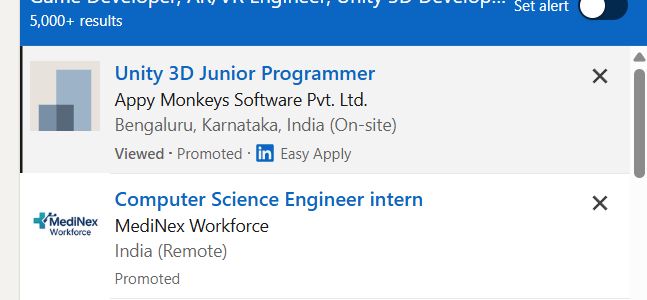
Find jobs related to AR/VR Development (Unity) in search engines (Google, Bing, Yahoo) and recruitment websites (monsterindia, placementindia, naukri, jobshybrid.com, indeed.co.in, shine.com etc.) based in Bloemfontein, chennai and europe countries. You can find many jobs for freshers related to the job positions in Bloemfontein.

  • AR Developer
  • VR Developer
  • Unity Developer
  • XR Developer
  • 3D Application Developer
  • Game Developer
  • AR/VR Engineer
  • Unity 3D Developer
  • Immersive Technology Developer
  • Simulation Developer

AR/VR Development (Unity) Internship/Course Details

AR/VR Development (Unity) internship jobs in Bloemfontein
AR/VR Development (Unity) . Join our **AR/VR Unity Training in Bloemfontein** to gain industry-ready skills and start a career in emerging XR technologies. **Course Description (Use Bloemfontein)** Our **AR/VR Development (Unity) Course in Bloemfontein** is a 5-month practical training program designed to teach learners how to build immersive Augmented Reality, Virtual Reality, and Extended Reality applications using Unity, C#, and modern 3D development technologies. This course provides hands-on experience in developing interactive AR applications, VR environments, 3D simulations, and immersive experiences for gaming, education, healthcare, architecture, and industrial applications. Students will learn Unity game engine, 3D modeling, AR/VR interactions, XR development, and real-world application creation.


Meet a Few of our Industry Experts 🚀 Your Pathway to IT Career

Chandu

Mobile: +91 98474 90866
Location: Online (Bloemfontein, South Africa)
Qualification: B.com general

Experience: I did two internship for seo off page i have 10 experience on internship  more..

Anandhu

Mobile: +91 94975 90866
Location: Online (Bloemfontein, South Africa)
Qualification: BCA

Experience: 1 5 years of Digital Marketing; social media management content development and project management experience in identifying trends engaging users  more..

Prajwal

Mobile: +91 8301010866
Location: Online (Bloemfontein, South Africa)
Qualification: BTech

Experience: Html css javascript c python  more..

Gyanappa

Mobile: +91 91884 77559
Location: Online (Bloemfontein, South Africa)
Qualification: BE

Experience: 2 5 years of experience in Automation testing skills are selenium Java testng appium MySQL Rest Assured postman   more..

Anagha

Mobile: +91 89210 61945
Location: Online (Bloemfontein, South Africa)
Qualification: Bachelor

Experience: 1 yr Html css customized Js bootstrape responsive design figma vs code dream viewer adobe illustrator adobe photoshop  more..

Shweta

Mobile: +91 94975 90866
Location: Online (Bloemfontein, South Africa)
Qualification: Btech

Experience: Software development sales analysis Java C C++ C# academic mentor  more..

Rajalakshmi

Mobile: +91 91884 77559
Location: Online (Bloemfontein, South Africa)
Qualification: MCA

Experience: software testing manual and automation certification Currently working as intern software tesrer for a month  more..

Muhammad

Mobile: +91 89210 61945
Location: Online (Bloemfontein, South Africa)
Qualification: Bachelor's

Experience: Android SDK Android Developer Kotlin programming language Mvvm architecture  more..

Jithumon

Mobile: +91 98474 90866
Location: Online (Bloemfontein, South Africa)
Qualification: diploma

Experience: php codeignatr   more..

Rajkumar.p

Mobile: +91 8301010866
Location: Online (Bloemfontein, South Africa)
Qualification: BE.ECE

Experience: Completed six month of trainning in odoo development   more..

Shrikant

Mobile: +91 89210 61945
Location: Online (Bloemfontein, South Africa)
Qualification: BCA

Experience: As A wordpress developer and Canva Designing also I having frontend skills like html CSS like that   more..

vaishnavi

Mobile: +91 91884 77559
Location: Online (Bloemfontein, South Africa)
Qualification: Bsc(computer science)

Experience: Software developer at pawani web technologies | Ex junior Software Developer at IRB  more..

Anjima

Mobile: +91 8301010866
Location: Online (Bloemfontein, South Africa)
Qualification: B.tech

Experience: I know programming languages like c c++ HTML5 CSS Javascript SQL I done the website template using HTML5 and CSS  more..

Rohit

Mobile: +91 91884 77559
Location: Online (Bloemfontein, South Africa)
Qualification: Bachelor of engineering

Experience: Java selenium testng api testing Java selenium Maven postman MySQL agile waterfall test scripts jira Sdlc stlc etc I have  more..

Ashwin

Mobile: +91 8301010866
Location: Online (Bloemfontein, South Africa)
Qualification: BE.ECE

Experience: Python odoo   more..

Akash

Mobile: +91 91884 77559
Location: Online (Bloemfontein, South Africa)
Qualification: B. Tech

Experience: My skills are java MySql Kotlin Android studio and 6 month experience in Android development   more..

Rahul

Mobile: +91 98474 90866
Location: Online (Bloemfontein, South Africa)
Qualification: B.tech

Experience: Node js express javascript MongoDB react js c++ SQL Bootstrap CSS HTMLApplication for Node JS  more..

Aswathy

Mobile: +91 8301010866
Location: Online (Bloemfontein, South Africa)
Qualification: MTech Electronics and communication engineering

Experience: My specialization is on Robotics and artificial intellegence And i have the skill in python c language and ROS is  more..

DOI

Mobile: +91 89210 61945
Location: Online (Bloemfontein, South Africa)
Qualification: Btech

Experience: Java Android kotlin Rest-Api Third party libraries xml retrofit firebase flutter dart  more..

sandhya

Mobile: +91 8301010866
Location: Online (Bloemfontein, South Africa)
Qualification: be.computer

Experience: automation testing Selenium with java manual Testing jira zyphwr squard api with postman database testing basic knwoledge of rest assured  more..

S.

Mobile: +91 91884 77559
Location: Online (Bloemfontein, South Africa)
Qualification: BE (civil)

Experience: Oops concept SQL cucukumber framework jankins API testing TestNG   more..

Perazhagan

Mobile: +91 98474 90866
Location: Online (Bloemfontein, South Africa)
Qualification: Bsc plant biotechnology

Experience: Basic java Basic selenium Software testing Write test cases in manual and automation testing Defect track with using jira tool  more..

dinesh

Mobile: +91 9895490866
Location: Online (Bloemfontein, South Africa)
Qualification: msc

Experience: I have an experience in API development and web development   more..

saravanakumar

Mobile: +91 9895490866
Location: Online (Bloemfontein, South Africa)
Qualification: BE cse

Experience: php jQuery laravel html css  more..

Success Stories

The enviable salary packages and track record of our previous students are the proof of our excellence. Please go through our students' reviews about our training methods and faculty and compare it to the recorded video classes that most of the other institutes offer. See for yourself how TechnoMaster is truly unique.

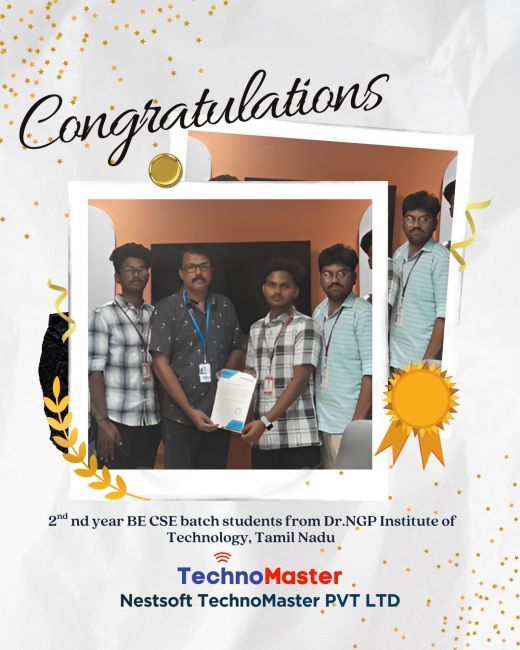
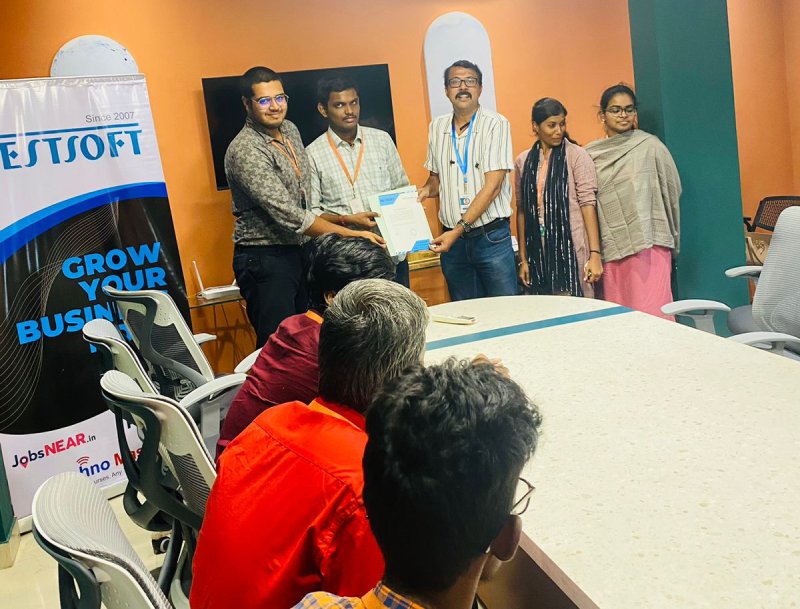
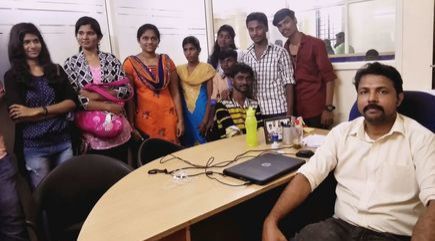
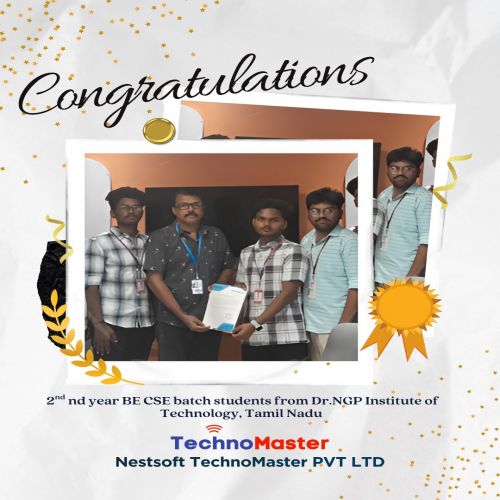
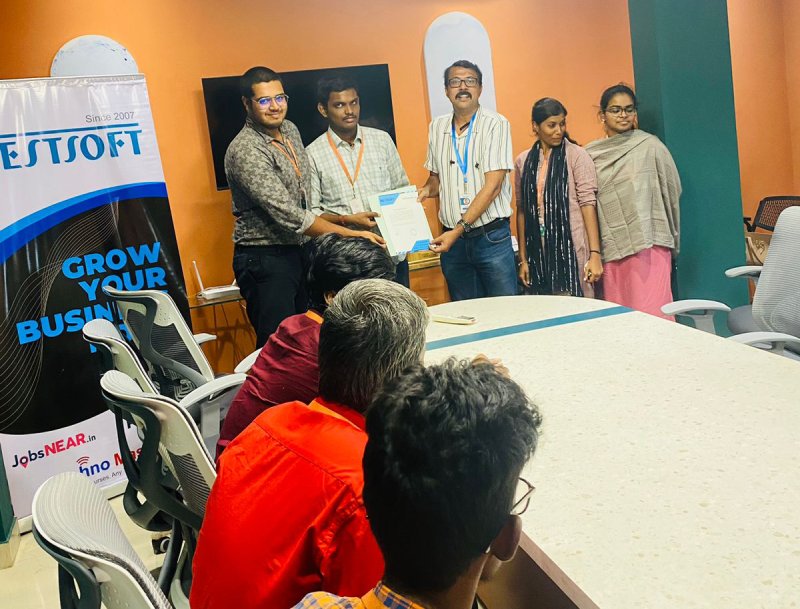
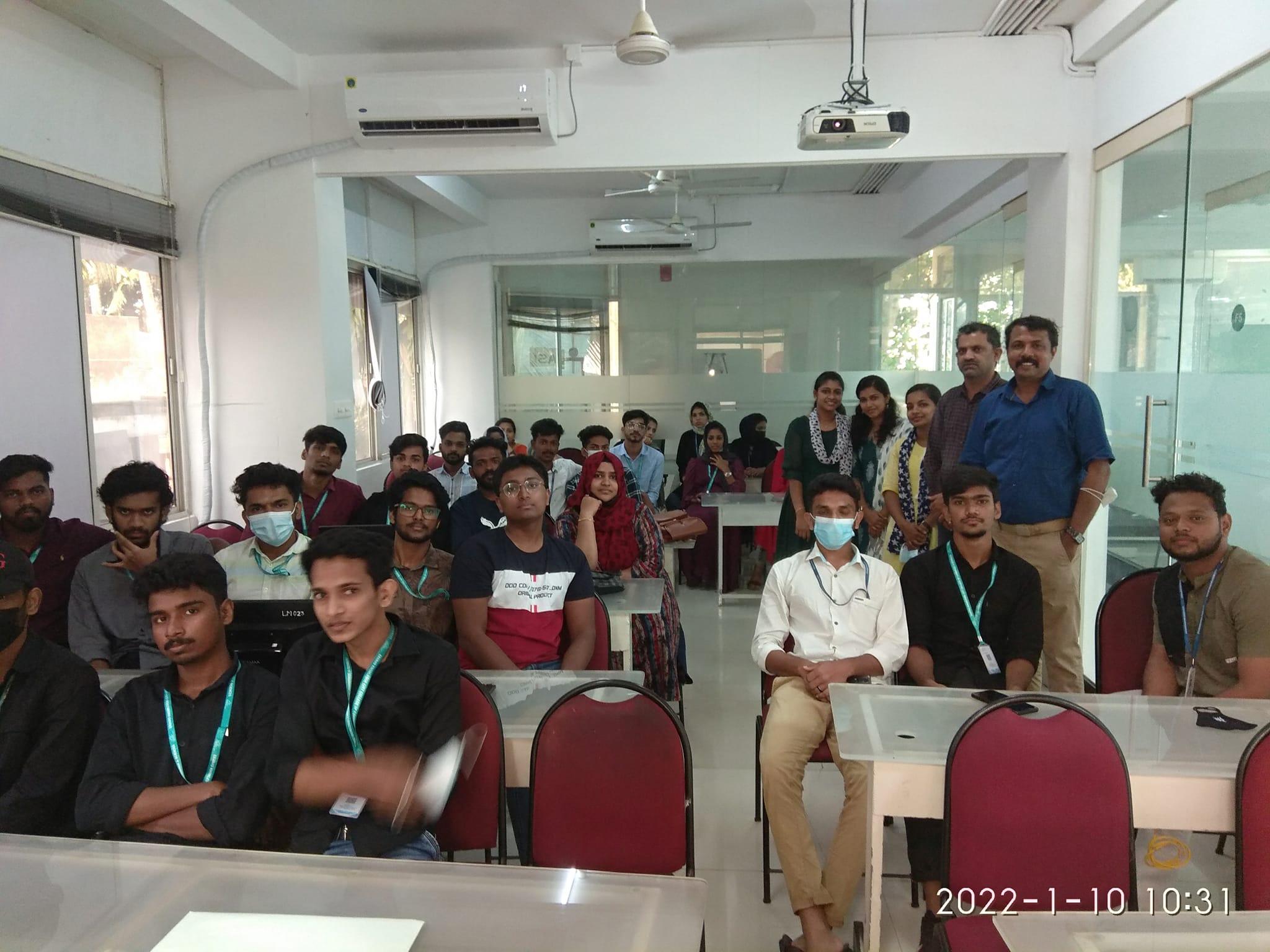
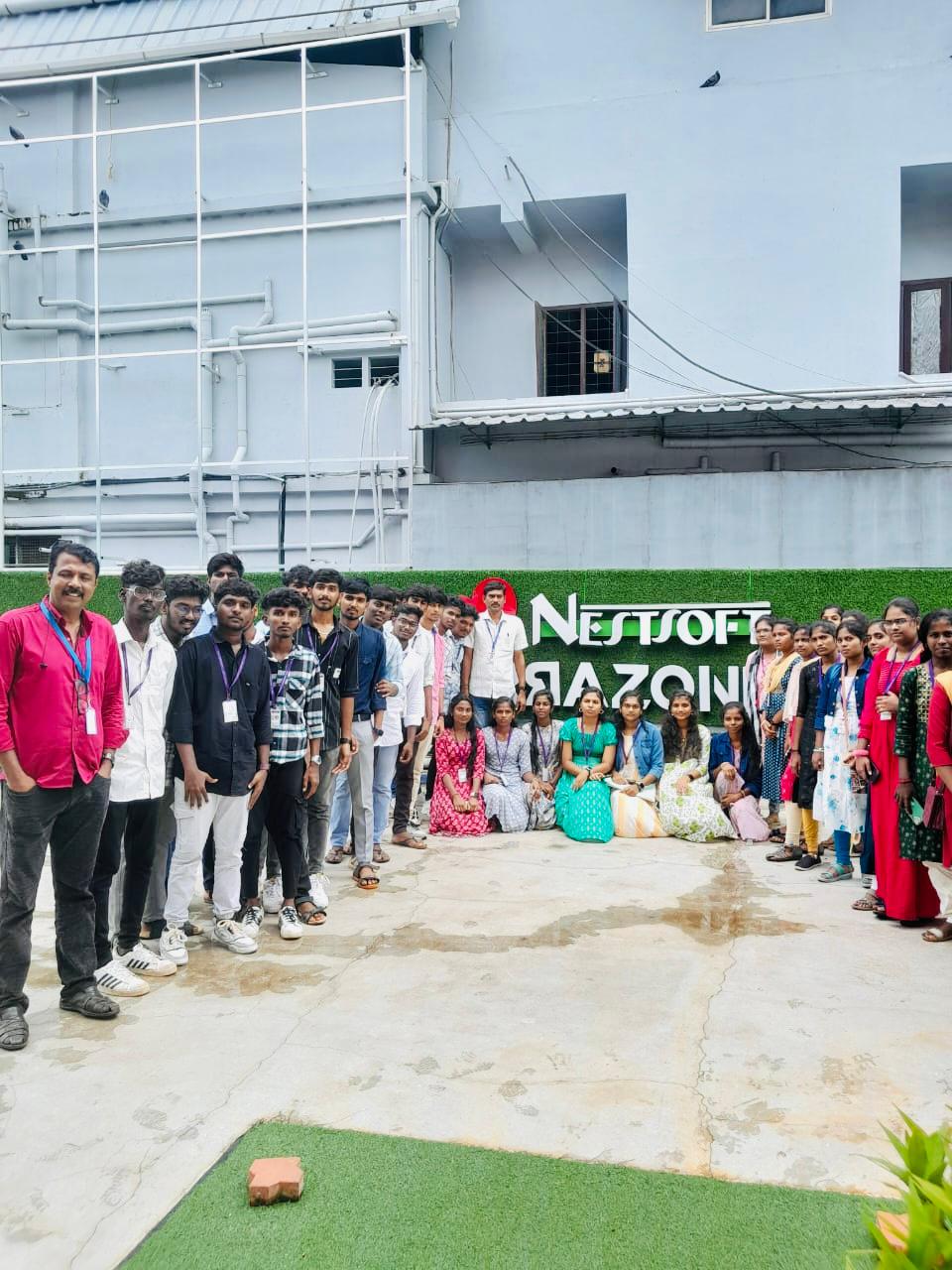
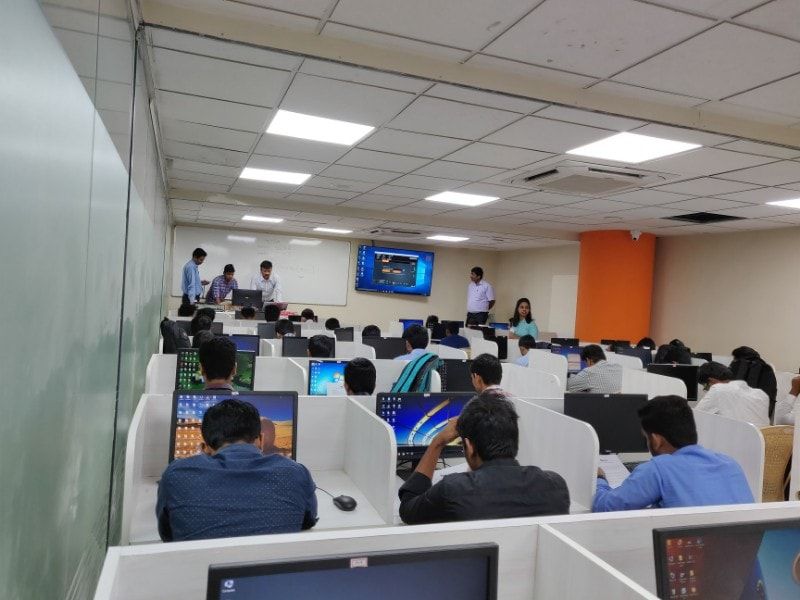
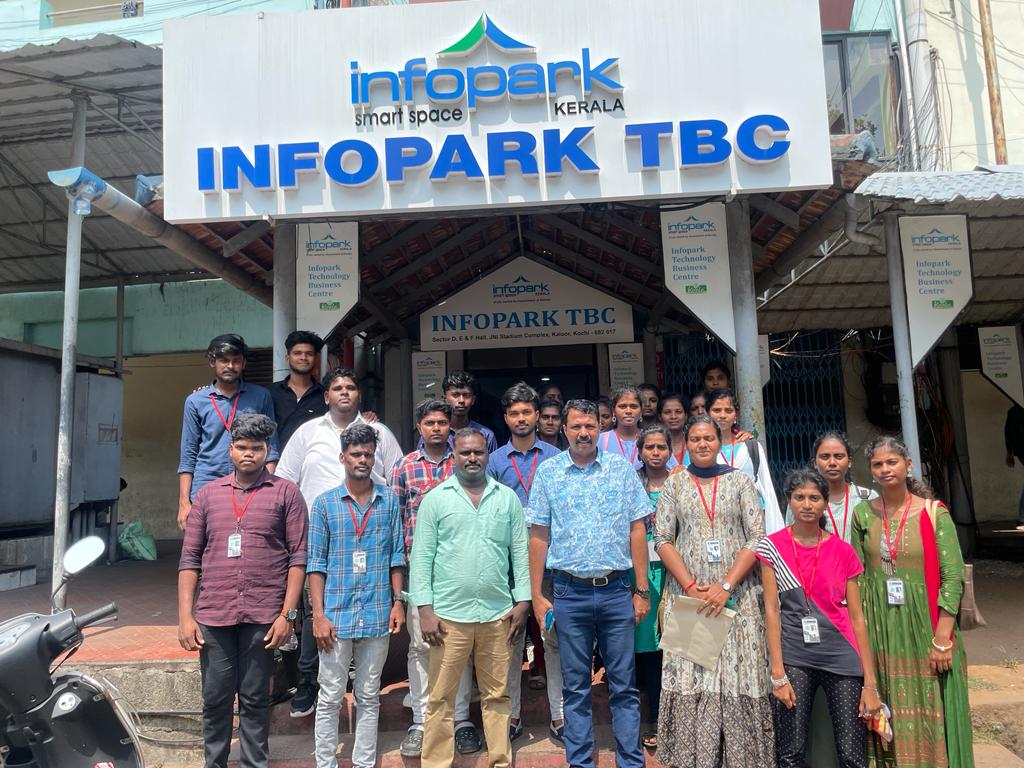
Photos of Training / Internships

Internship/projects in bloemfontein

Trained more than 10000+ students who trust Nestsoft TechnoMaster

Get Your Personal Trainer