Send enquiry ⏎

Adobe XD Online Live Class by Experts

Our Training/Internship Process

Adobe XD Online Live Classes in Johannesburg | Free Demo Training

Adobe XD - Syllabus, Fees & Duration

Section 1

Creating New Files & Designing on a Grid
  • Creating a new file
  • Setting up artboards
  • Importing text
  • Creating colored backgrounds for text
Importing & Cropping Photos
  • Importing a photo as an image fill (crop a photo)
  • Rounding corners
Vector Graphics, Colors, Shadows, & More
  • Importing & modifying vector graphics
  • Aligning & distributing layers
  • Layer opacity vs. fill opacity
  • Reusing colors (color swatches)
  • Adding a drop shadow
Character Styles
  • Creating & Editing Character Styles

Section 2

Repeat Grids
  • Creating a Repeat Grid
  • Customizing the content
  • Adjusting the design
Components (Reusable Elements)
  • Creating & editing components
  • Overriding content in one instance vs. globally updating all components
  • Detaching from a component
  • Components versus Repeat Grids
Turning a Design into a Clickable Prototype
  • Linking between artboards Previewing the prototype Creating an overlay Background blur Fixing the position of elements so they don’t scroll Making a recording of a prototype
Exporting Assets for Web: SVG, JPEG, & PNG
  • Exporting individual assets Exporting artboards
Sharing XD Files (For Review, Developers, etc.)
  • Sharing an XD file Commenting on shared files Pinning a comment Updating an existing shared file Sharing for Development

Section 3

Stacks, Padding, & Responsive Resize
  • Creating a Stack & Adjusting the Spacing Rearranging & Adding Items to a Stack Responsive Resize, Stacks, & Padding Keystrokes for Working with Stacks & Padding Nesting Stacks (Stacks Within Stacks)
Linking Up/Down a Page & Scrollable Areas
  • Making Links that Scroll Up/Down a Page Making the Navbar Fixed to the Screen Adjusting the Position & Speed of the Scroll Creating a Scrollable Area Within a Page
Intro to Auto-Animate
  • The Basics of Auto-Animate Different Kinds of Easing Adding a Timed Animation
Parallax Animation
  • Setting Up the Parallax Assets
  • Building the Parallax Animation
Component States (Hover & More)
  • Adding a Hover State to a Button
  • Custom Component States

Section 4

Creating 3D Transforms
  • Adding 3D Transforms
  • Front to Back versus Z Position
Adding Interactions to a Slideshow: Tap, Drag, & Keys
  • Creating a Working Slideshow Prototype
  • Adding Tap Interactions
  • Adding the Ability to Drag
  • Adding Keystrokes
Time Interactions & Adding Audio (Sound Effects)
  • Adding a Drag Interaction
  • Adding a Time Interaction
  • Adding a Sound Effect
  • Adding a Keystroke
Linked Components & Shared Libraries
  • Linked Components
  • Shared Libraries

Download Syllabus - Adobe XD
This syllabus is not final and can be customized as per needs/updates
   
10000+
20+
50+
25+

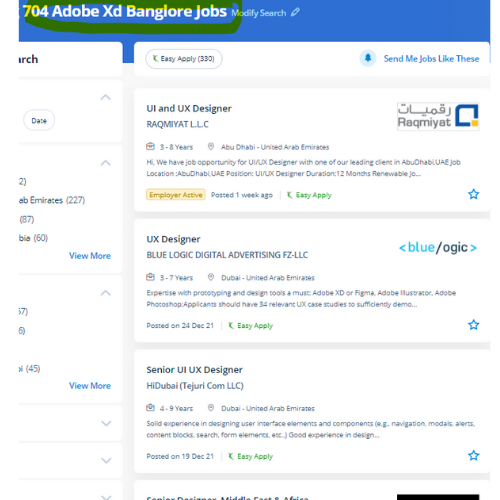
Adobe XD Jobs in Johannesburg

Enjoy the demand

Find jobs related to Adobe XD in search engines (Google, Bing, Yahoo) and recruitment websites (monsterindia, placementindia, naukri, jobshybrid.com, indeed.co.in, shine.com etc.) based in Johannesburg, chennai and europe countries. You can find many jobs for freshers related to the job positions in Johannesburg.

  • Graphic Designer
  • UX/UI Designer
  • Digital Marketing Executive
  • UI/UX Artist
  • Freelance Graphic Designer
  • Ui/ux Mobile Designer
  • Adobe XD Web Design
  • UI/UX Front End Developer
  • Ux Designer
  • Website Designer

Adobe XD Internship/Course Details

Adobe XD internship jobs in Johannesburg
Adobe XD Adobe XD is needed for designers to form stunning prototypes, UI/UX styles, websites, etc. In Adobe XD the coaching course, you may learn to speedily design, prototype, and share interactive experiences using Adobe XD CC. Adobe XD empowers designers with the speed, precision, and quality to seamlessly repeat and share interactive prototypes with team members and reviewers across devices and platforms, along with Windows, Mac, iOS, and android. This course may be an advanced analysis of Adobe XD working techniques to be used for the creation and later implementation of our project into a totally fleshed, operating website, whereas not even one line of code. Gain mastery in ideation, Prototype, Sharing, Testing. Adobe Xd adds visible acceleration into your work because it's the very lowest tool. one among the most fascinating examples is one referred to as Repeat Grid, which permits you to simply copy repeatable elements of an interface, the same as tables or lists, and doesn’t consume plenty of system resources. you'll be able to use it to share feedback quickly or raise queries directly within the project by using a built-in commenting feature of xd thus your project's sensible speed by providing you with definite choices. . after this course, you may be able to use XD for your production work.

Meet a Few of our Industry Experts 🚀 Your Pathway to IT Career

Mohini

Mobile: +91 91884 77559
Location: Online (Johannesburg, South Africa)
Qualification: b.com

Experience: Recently i started my career in graphic design (Canva)now i want to grow myself in graphic industry skills- logo post  more..

Rohini

Mobile: +91 94975 90866
Location: Online (Johannesburg, South Africa)
Qualification: Btech

Experience: Core java android framework android studio Web Services json rest kotlin Sqlite room db  more..

SUGANYA

Mobile: +91 91884 77559
Location: Online (Johannesburg, South Africa)
Qualification: BE

Experience: I have 6 month experience for software testing  more..

Nimish

Mobile: +91 91884 77559
Location: Online (Johannesburg, South Africa)
Qualification: B.E

Experience: I am particularly proud of my recent projects such as the Summarize Study Tool and the Applied Data Science Capstone  more..

Rishabh

Mobile: +91 9895490866
Location: Online (Johannesburg, South Africa)
Qualification: B.SC.Computer Science and PGDCA

Experience: Python c c++ front-end development sql  more..

Jayesh

Mobile: +91 89210 61945
Location: Online (Johannesburg, South Africa)
Qualification: MCA

Experience: I have experience as a Web developer and web designer for 5+ years of experience My skills WordPress php core  more..

Vishnu

Mobile: +91 91884 77559
Location: Online (Johannesburg, South Africa)
Qualification: MCA

Experience: Html css puthon c c++ php mysql These are my programming skills and my other computer skills are ms office  more..

KATHI

Mobile: +91 91884 77559
Location: Online (Johannesburg, South Africa)
Qualification: Degree (B.com)

Experience: I am fresher Skills is good communication and convincing skills I will done coaching for web development   more..

ABI.

Mobile: +91 8301010866
Location: Online (Johannesburg, South Africa)
Qualification: Mca

Experience: Html css Java script react js redux dca  more..

Sunita

Mobile: +91 89210 61945
Location: Online (Johannesburg, South Africa)
Qualification: BCA

Experience: Hello Sir Madam I have 7 years of experience as a UI developer with skills in HTML CSS SCSS Bootstrap  more..

Piyush

Mobile: +91 98474 90866
Location: Online (Johannesburg, South Africa)
Qualification: b. tech

Experience: angular HTML css JavaScript  more..

Pooni

Mobile: +91 94975 90866
Location: Online (Johannesburg, South Africa)
Qualification: Intermediate

Experience: I am having a knowledge about Excel sheet Slide presentation Audio vedio editing Using microsoft office Adobe premier pro Knowledge  more..

Tejaswini

Mobile: +91 9895490866
Location: Online (Johannesburg, South Africa)
Qualification: BCA

Experience: Communication skill Ambitious Known with programming languages  more..

Rahul

Mobile: +91 8301010866
Location: Online (Johannesburg, South Africa)
Qualification: BE

Experience: Java c# net react node css html javascript  more..

Tarunvarma

Mobile: +91 91884 77559
Location: Online (Johannesburg, South Africa)
Qualification: Designeer Academy

Experience: Hey this is Tarun varma I'm a certified from the designerrs academy on basis of UX UI Designer I'm good  more..

Navjot

Mobile: +91 91884 77559
Location: Online (Johannesburg, South Africa)
Qualification: M.tech

Experience: I am very good in html css and wordpress I made website for my client I also have knowledge of  more..

Gaikwad

Mobile: +91 98474 90866
Location: Online (Johannesburg, South Africa)
Qualification: Btech

Experience: Iam writing to express my interest in the Frontend Developer position at infogrowth With three years of experience in frontend  more..

Aniket

Mobile: +91 89210 61945
Location: Online (Johannesburg, South Africa)
Qualification: Msc computer science

Experience: I do have experience in Android application development ivi kotlin java Android sdk mvvm Google sdk retrofit volley firebase  more..

Anubhav

Mobile: +91 8301010866
Location: Online (Johannesburg, South Africa)
Qualification: Msc (cs)

Experience: 2 years of Experience in website devlopment and also wordpress theme intregration knowledge of html css php core plugins payment  more..

Kajal

Mobile: +91 94975 90866
Location: Online (Johannesburg, South Africa)
Qualification: BTECH

Experience: NodeJS ExpressJS javascript python AWS Socket IO HTML CSS TypeScript  more..

Maitry

Mobile: +91 98474 90866
Location: Online (Johannesburg, South Africa)
Qualification: Btech in computer science

Experience: Having 2 3 years of experience in IT industry woked on industry level projects and have knowledge about SQL server  more..

Aaryan

Mobile: +91 8301010866
Location: Online (Johannesburg, South Africa)
Qualification: Graduate

Experience: I specialise in Java python and DSA and on the development side I'm proficient in android development in Java flutter  more..

Vishnuteja

Mobile: +91 94975 90866
Location: Online (Johannesburg, South Africa)
Qualification: B. Tech

Experience: Android development java c c++ json parsing rest api  more..

Dhrishya

Mobile: +91 94975 90866
Location: Online (Johannesburg, South Africa)
Qualification: B.Tech

Experience: Dear Sir Iam Dhrishya recent ECE graduate from ktu I am a designer Why I choose design is my profession?  more..

Success Stories

The enviable salary packages and track record of our previous students are the proof of our excellence. Please go through our students' reviews about our training methods and faculty and compare it to the recorded video classes that most of the other institutes offer. See for yourself how TechnoMaster is truly unique.

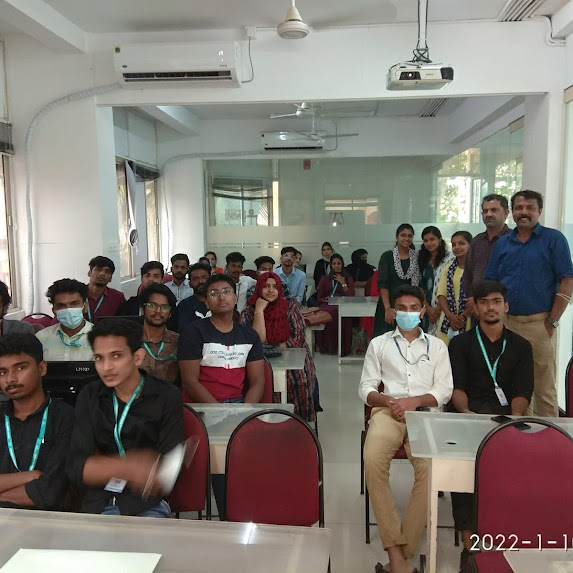
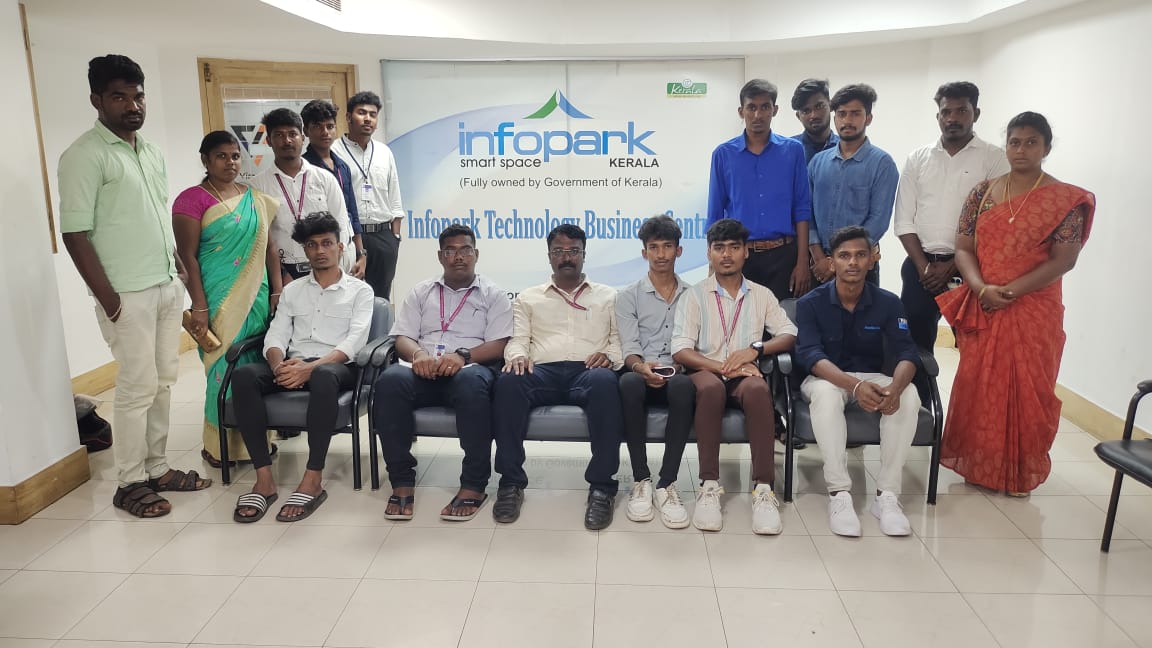
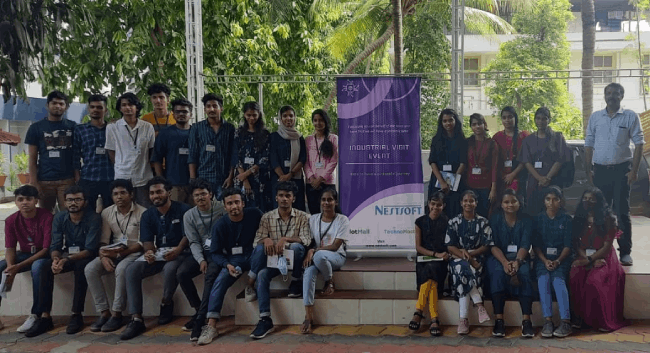
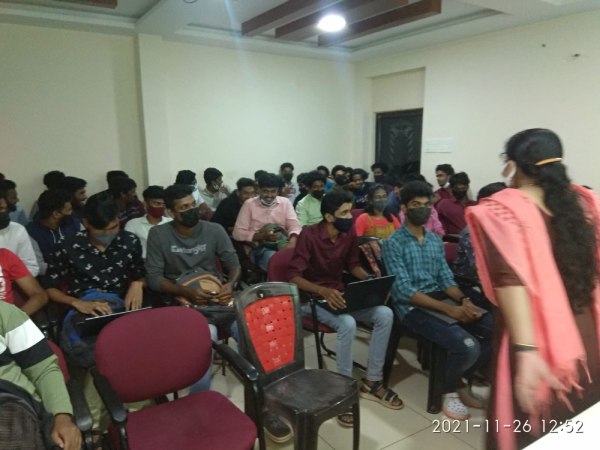
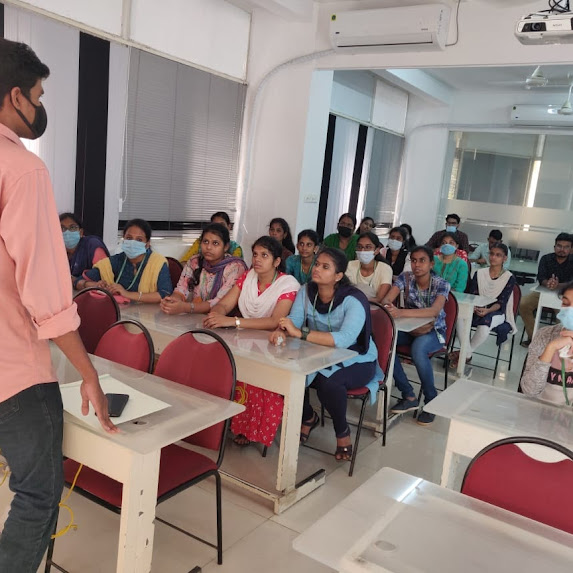
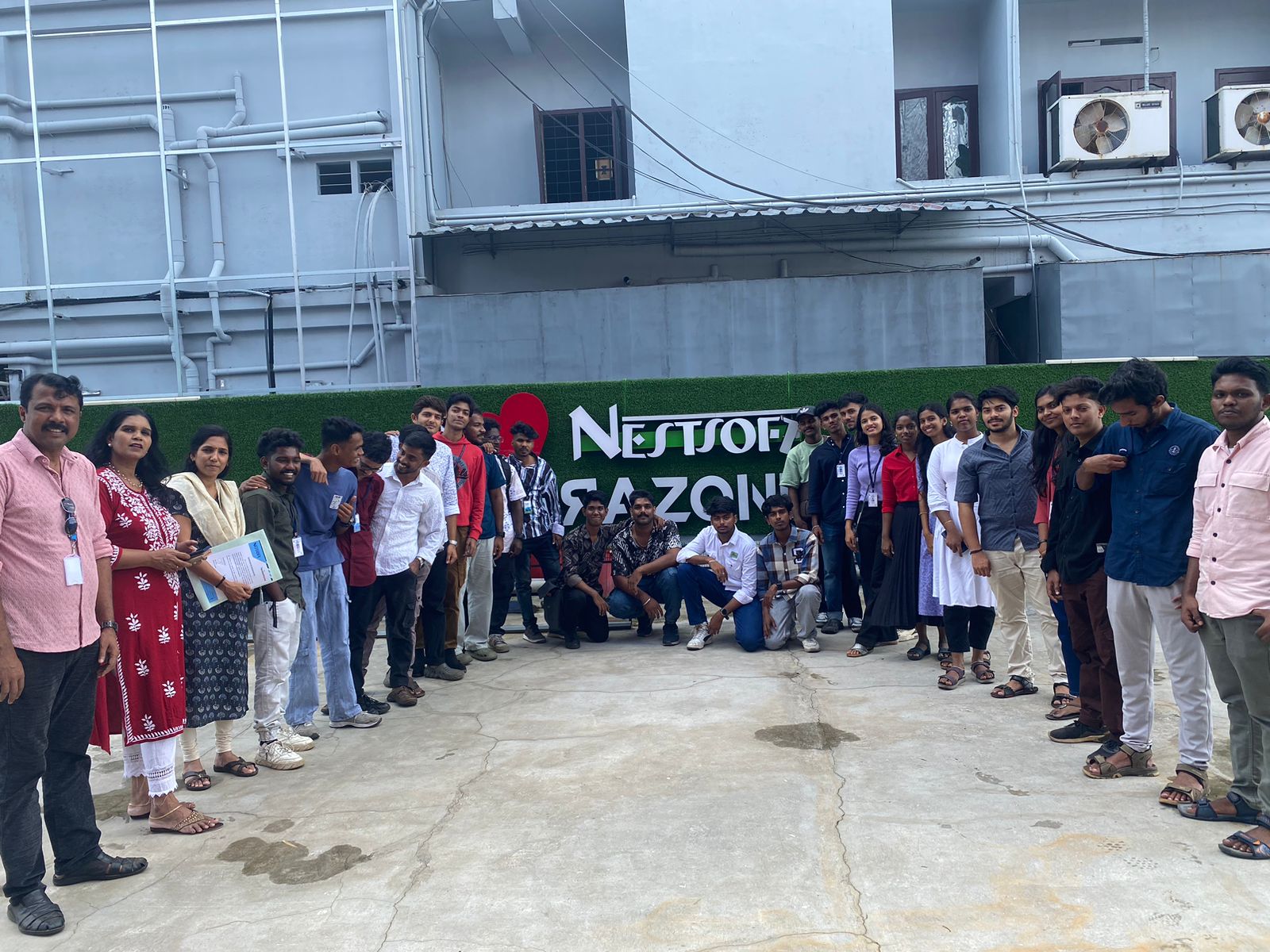
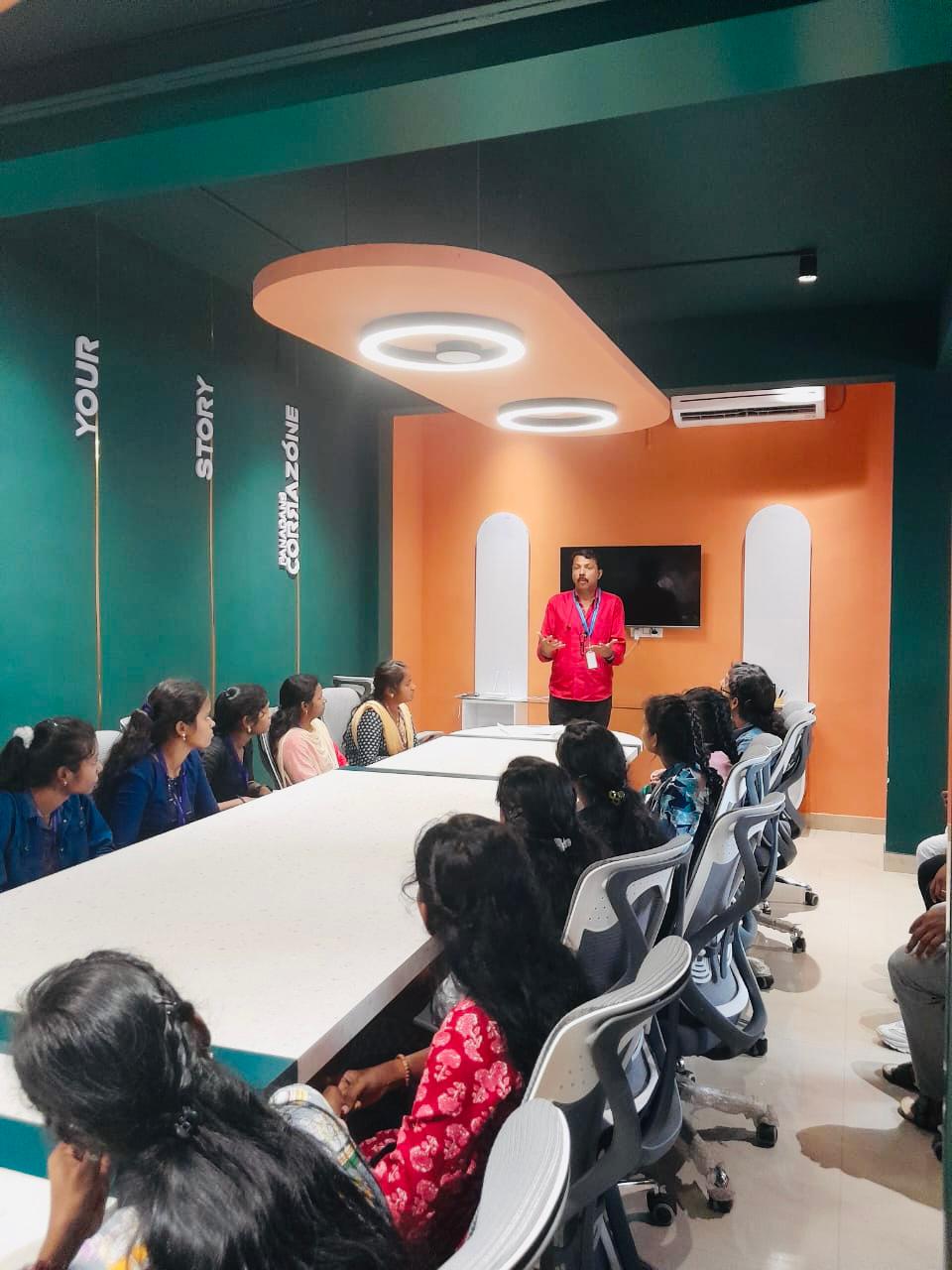
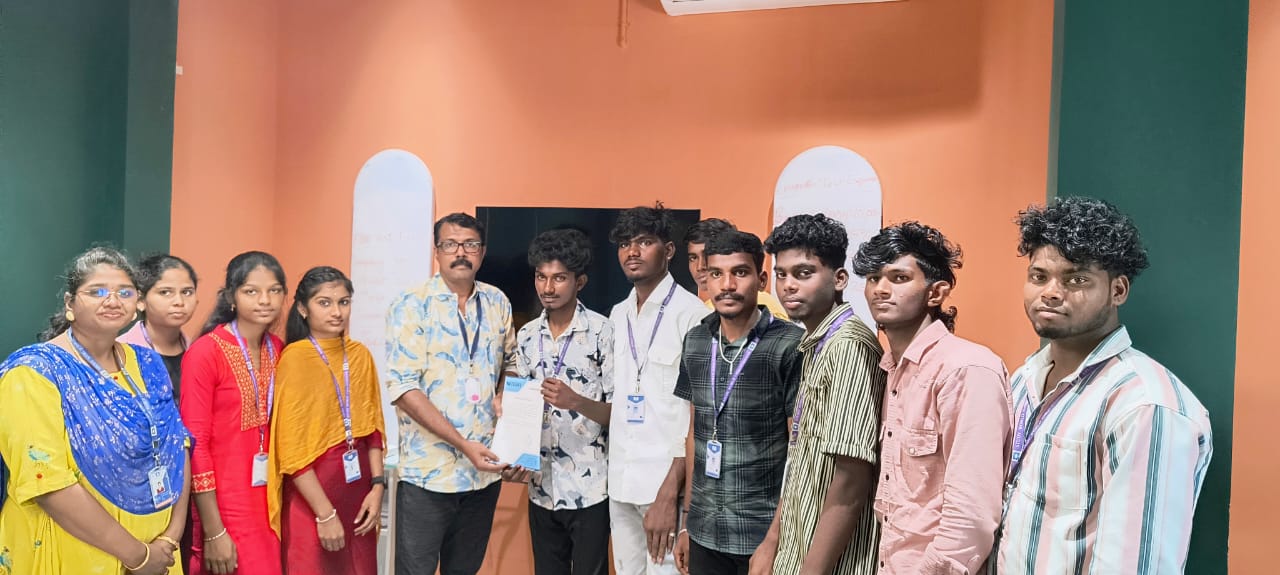
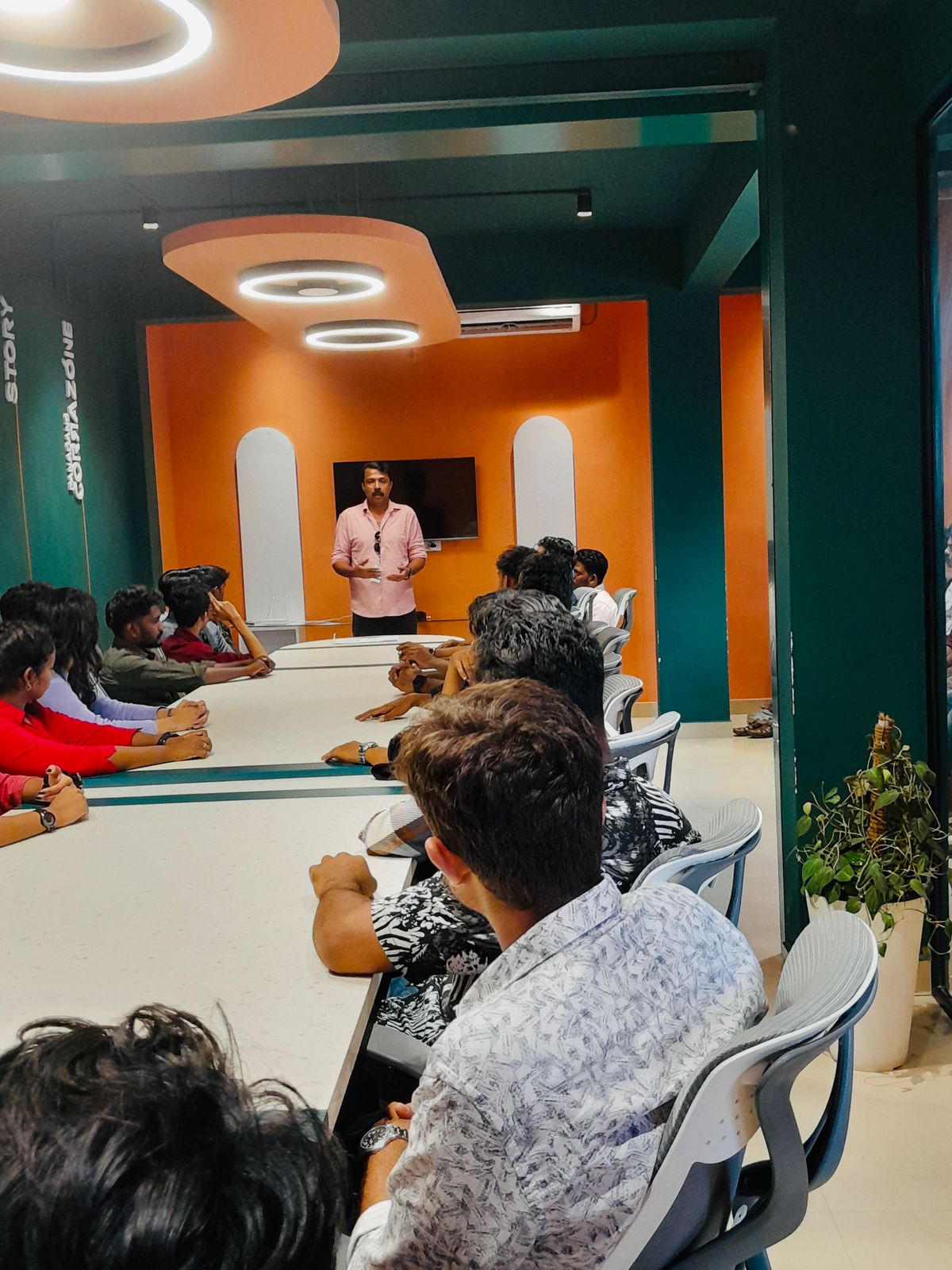
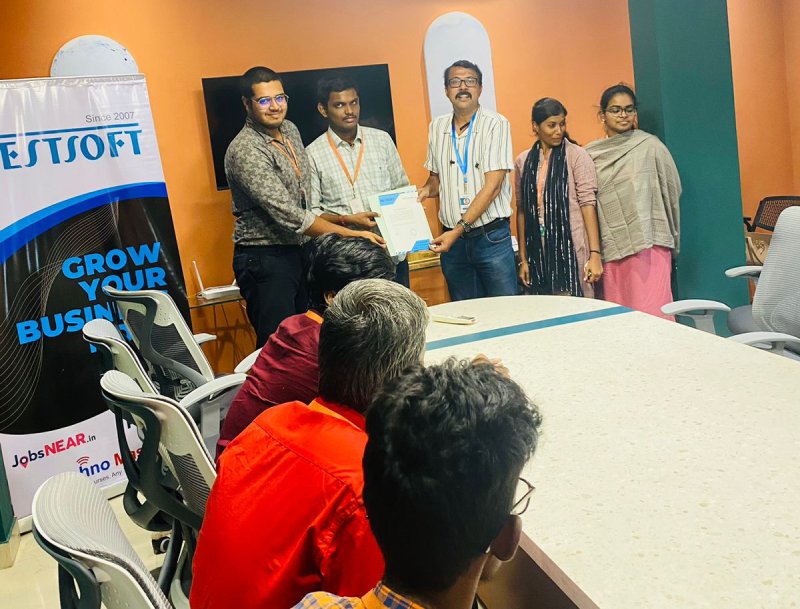
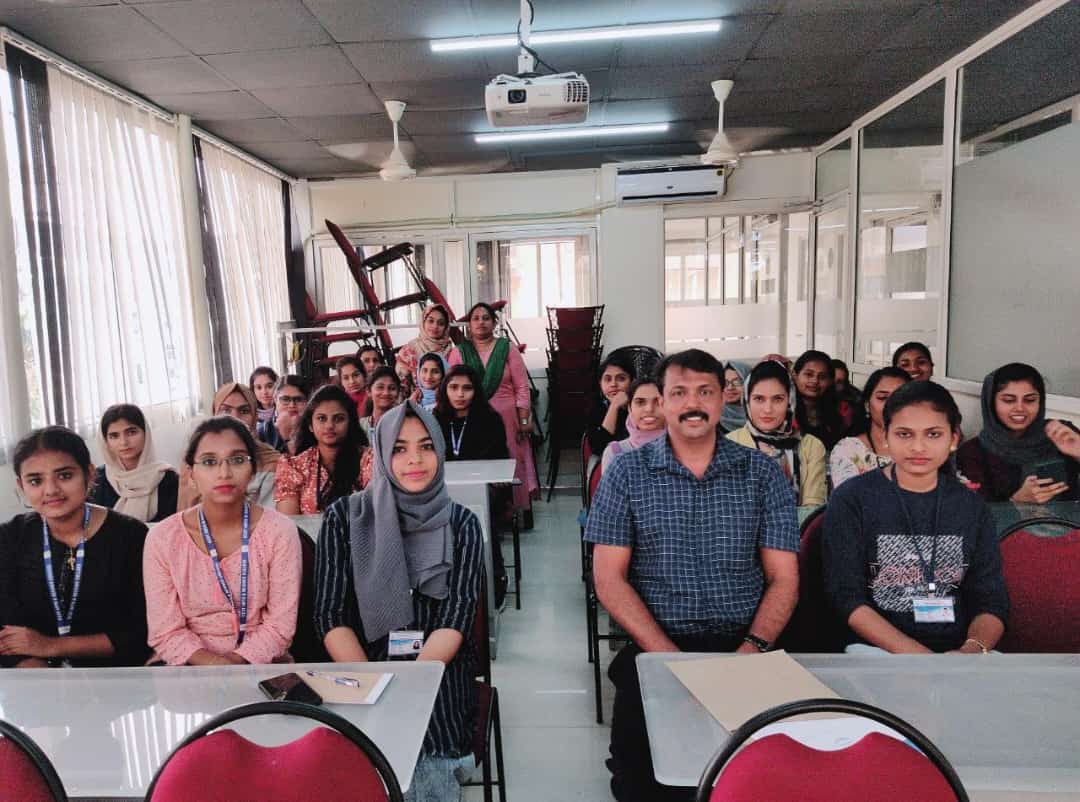
Photos of Training / Internships

Internship/projects in johannesburg

Trained more than 10000+ students who trust Nestsoft TechnoMaster

Get Your Personal Trainer