Send enquiry ⏎

Adobe Illustrator Online Live Class by Experts

Our Training/Internship Process

Adobe Illustrator Online Live Classes in Durban | Free Demo Training

Adobe Illustrator - Syllabus, Fees & Duration

      Module 1: Introduction to Illustrator (1.5 hrs)

    • Overview of Vector Graphics vs. Raster Graphics
    • Illustrator Interface and Navigation
      • Artboards and Workspaces
      • Tools Panel and Properties Panel
    • Creating and Saving Documents
    • Understanding File Formats (AI, EPS, SVG, PDF)

      Module 2: Basic Drawing Tools (2 hrs)

    • Shapes and Paths
      • Rectangle, Ellipse, Polygon, Line tools
      • Working with Fill and Stroke
    • Pen Tool Basics
      • Drawing and Editing Paths
      • Anchor Points and Handles
    • Using the Pencil and Brush Tools

      Module 3: Colors and Gradients (1.5 hrs)

    • Understanding the Color Panel
      • RGB vs. CMYK Modes
      • Swatches and Global Colors
    • Gradients and Gradient Mesh
    • Applying Transparency and Blending Modes

      Module 4: Working with Text (1.5 hrs)

    • Creating and Formatting Text
      • Character and Paragraph Panels
    • Converting Text to Outlines
    • Text on a Path and Text Wrap

      Module 5: Layers and Organizing Artwork (1.5 hrs)

    • Layers Panel Overview
      • Grouping and Ungrouping Objects
      • Locking, Hiding, and Rearranging Layers
    • Clipping Masks
    • Using Guides, Grids, and Smart Guides

      Module 6: Advanced Tools and Effects (2 hrs)

    • Pathfinder and Shape Builder Tools
    • Using the Appearance Panel
      • Applying Effects (Drop Shadow, Outer Glow, etc.)
    • Working with Symbols
    • Creating Patterns

      Module 7: Image Tracing and Masking (1.5 hrs)

    • Image Trace Tool
    • Creating and Using Clipping Masks
    • Opacity Masks for Advanced Effects

      Module 8: Exporting and Finalizing Projects (1.5 hrs)

    • Preparing Artwork for Print vs. Digital
    • Exporting File Formats (PNG, SVG, PDF, etc.)
    • Packaging Files for Clients or Printers

      Module 9: Hands-on Project (2 hrs)

    • Creating a Simple Logo Design
    • Designing a Business Card or Poster
    • Applying Learned Skills to a Practical Task

Download Syllabus - Adobe Illustrator
This syllabus is not final and can be customized as per needs/updates
   
10000+
20+
50+
25+

Adobe Illustrator Jobs in Durban

Enjoy the demand

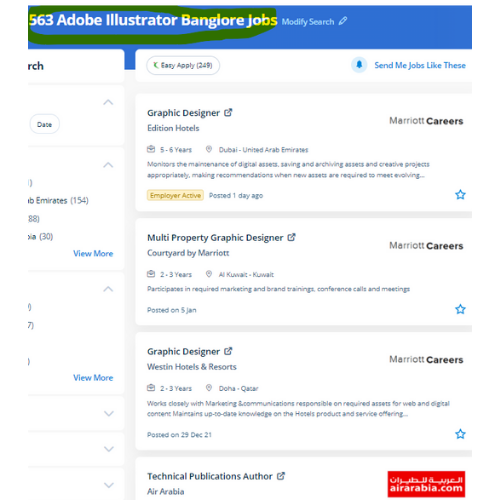
Find jobs related to Adobe Illustrator in search engines (Google, Bing, Yahoo) and recruitment websites (monsterindia, placementindia, naukri, jobshybrid.com, indeed.co.in, shine.com etc.) based in Durban, chennai and europe countries. You can find many jobs for freshers related to the job positions in Durban.

  • Graphic Designer
  • Graphic Trainer
  • Industrial Designer
  • Web Designer
  • Freelance Graphic Designer
  • Illustrator Designer
  • Design Assistant
  • Creative Designer
  • Digital UI/UX Designer
  • Female Graphic Designer

Adobe Illustrator Internship/Course Details

Adobe Illustrator internship jobs in Durban
Adobe Illustrator probably illustrator is the best editor for vector graphics and it produces artworks with pixel-perfect accuracy. Our on-line training course in learn the way a Vector application Creates shapes Composed of points, lines, and curves . Attain hands-on coaching via live projects with our team. . we assure you that after you complete your illustrator Course at Nestsoft, you'd be ready to begin your work as our major focus is on all kinds of practical training. it is effective for people who got to create adverts with integrated branding either a private user or massive enterprise. Most of the print and screen designers use illustrator to make styles and artwork. one among the options is it permits users to freely produce projects across completely different software system merchandise because that designed a unified program environment. you will learn all illustrator tools and techniques abundant from basics to advanced. you'll be able to use it to create web and print images and therefore the user interface is useful.


Meet a Few of our Industry Experts 🚀 Your Pathway to IT Career

vikash

Mobile: +91 91884 77559
Location: Online (Durban, South Africa)
Qualification: B.Tech

Experience: Senior Android Developer with over 8 years of experience in designing developing and maintaining high-quality mobile applications Proficient in Java  more..

Divakar

Mobile: +91 94975 90866
Location: Online (Durban, South Africa)
Qualification: B.E Mechanical Engineering

Experience: I had a 6 months internship training at ARi in software testing  more..

Abhishek

Mobile: +91 91884 77559
Location: Online (Durban, South Africa)
Qualification: Btech

Experience: Semi Conductor Laboratory Mohali Dept of space Govt of India FSG advantages over USG inter-metal dielectric (Thin Film) and Unit  more..

Jinesh

Mobile: +91 98474 90866
Location: Online (Durban, South Africa)
Qualification: BCA

Experience: Advanced software testing manual and automation  more..

S

Mobile: +91 89210 61945
Location: Online (Durban, South Africa)
Qualification: PURUSING GRADUATION

Experience: HTML css Javascript ReactJs AngularJs Flask Java python php mysql mongodb  more..

Neeraj

Mobile: +91 94975 90866
Location: Online (Durban, South Africa)
Qualification: MCA

Experience: 10+Year of exaperience Developed 25+ application for android platform  more..

Sudarsan

Mobile: +91 9895490866
Location: Online (Durban, South Africa)
Qualification: Diploma in Computer Science

Experience: 8years experience as a HTML developer   more..

Shafeeque

Mobile: +91 9895490866
Location: Online (Durban, South Africa)
Qualification: Bca Ongoing

Experience: 3+ years experience in php mysql fullstack development   more..

Pavan

Mobile: +91 94975 90866
Location: Online (Durban, South Africa)
Qualification: BE Computer

Experience: Highly skilled and creative UI UX designer with 3 years of experience designing and developing intuitive and user-friendly interfaces for  more..

Prathamesh

Mobile: +91 91884 77559
Location: Online (Durban, South Africa)
Qualification: MCA

Experience: Skills - HTML5 CSS Javascript React js Node js php etc  more..

Axar

Mobile: +91 91884 77559
Location: Online (Durban, South Africa)
Qualification: Bca

Experience: I have work experience in native android with Java Kotlin Firebase Third party library s  more..

Amitha

Mobile: +91 9895490866
Location: Online (Durban, South Africa)
Qualification: MCA

Experience: Programming languages known like python HTML mysql c c++  more..

Nishant

Mobile: +91 89210 61945
Location: Online (Durban, South Africa)
Qualification: Bsc chemistry

Experience: Manual testing automation testing  more..

lingudu

Mobile: +91 91884 77559
Location: Online (Durban, South Africa)
Qualification: B.tech

Experience: AUTO CAD CATIA ANSYS basic C python  more..

Selvasuryaprakash

Mobile: +91 94975 90866
Location: Online (Durban, South Africa)
Qualification: Mca

Experience: I have knowledge from anroid app development At doing project used for Android studio   more..

Lekshmi

Mobile: +91 8301010866
Location: Online (Durban, South Africa)
Qualification: B tech

Experience: Software testing in Selenium IDE JIRA MS SQL Server Apache JMeter Test NG Mevan Project Bitnami Redmine SDLC STLC Test  more..

Vikas

Mobile: +91 89210 61945
Location: Online (Durban, South Africa)
Qualification: B.Tech

Experience: I'm excellent in Advance Java Database Frontend developer etc with 1 year of internship experience   more..

Bharat

Mobile: +91 94975 90866
Location: Online (Durban, South Africa)
Qualification: Mca

Experience: On-page SEO off-page seo technical seo Backlink generation generate traffic and leads  more..

Nayak

Mobile: +91 91884 77559
Location: Online (Durban, South Africa)
Qualification: BCA

Experience: I have a experience of total 4 mnc company's as a web developer   more..

Jisha

Mobile: +91 8301010866
Location: Online (Durban, South Africa)
Qualification: MCA

Experience: Python Html CSS Bootstrap Recently completed internship in python language from sysbreeze technologies kinfra   more..

Raghav

Mobile: +91 91884 77559
Location: Online (Durban, South Africa)
Qualification: B.Tech

Experience: 1 year selinium experice and testing  more..

Avoy

Mobile: +91 9895490866
Location: Online (Durban, South Africa)
Qualification: Bachelor of technology

Experience: Having good 2 experience in API testing Java - selenium FW designing and automated test scripts writing Good in writing  more..

Sukhwinder

Mobile: +91 9895490866
Location: Online (Durban, South Africa)
Qualification: MSC IT

Experience: Seo on page off page google analytics Google excell power points Google ads ppc graphic designing and well as video  more..

Linkan

Mobile: +91 94975 90866
Location: Online (Durban, South Africa)
Qualification: M.E

Experience: Manual testing Automation Testing API Testing SQL  more..

Success Stories

The enviable salary packages and track record of our previous students are the proof of our excellence. Please go through our students' reviews about our training methods and faculty and compare it to the recorded video classes that most of the other institutes offer. See for yourself how TechnoMaster is truly unique.

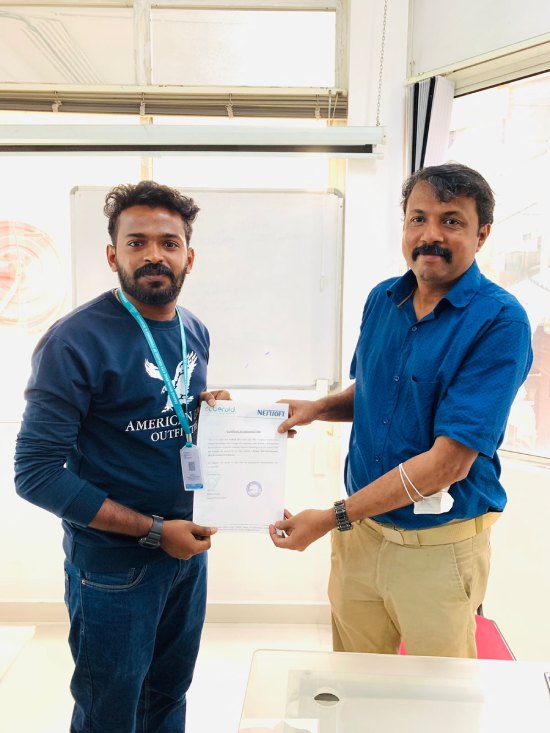
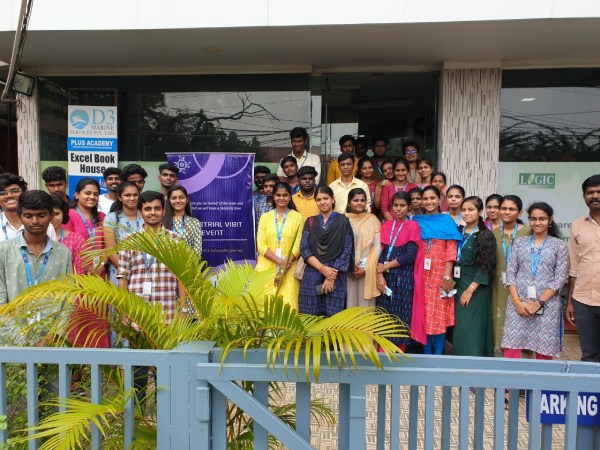
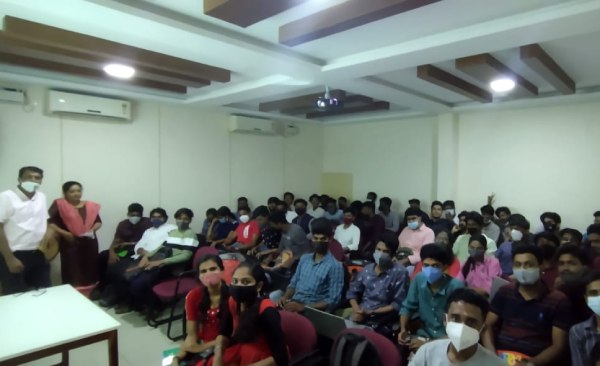
Photos of Training / Internships

Internship/projects in durban

Trained more than 10000+ students who trust Nestsoft TechnoMaster

Get Your Personal Trainer